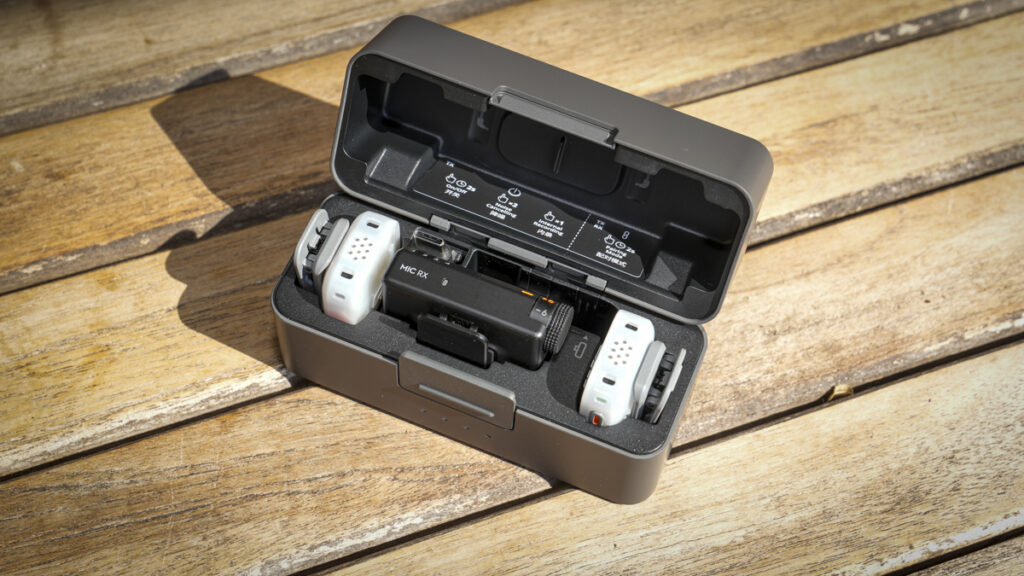

The tiny wireless mic finally records on its own
What is the DJI Mic Mini 2S?
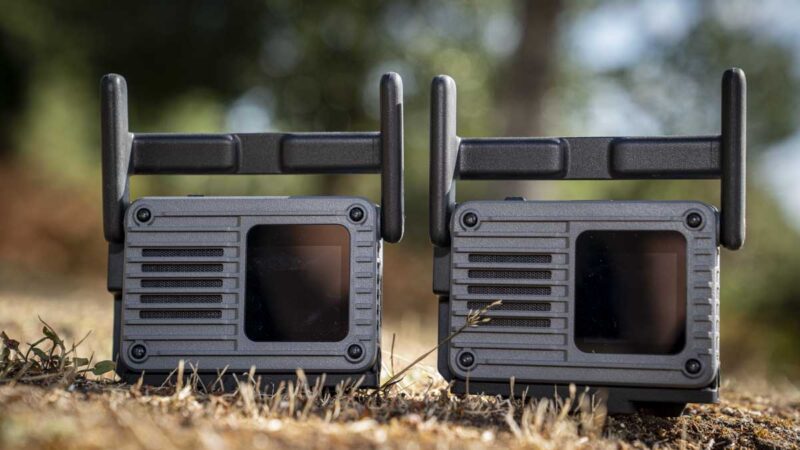
The DJI Mic Mini 2S is, on the surface, the Mini 2 with the addition of internal storage. Essentially what we see with the latest release is a compact wireless microphone system built around a 12g transmitter with 16GB of onboard storage. The DJI Mini 2S records 32-bit float audio internally, links up to four transmitters to one receiver, which is a big feature, and connects directly to DJI Osmo cameras through OsmoAudio without a receiver; in the case of this test, the DJI Osmo Pocket 4P.
One slightly confusing aspect for this release is that the name suggests that it’s a mid-cycle refresh, after all the Mini 2 was only released in April. However, a quick check through the spec sheet, and you’ll see that there’s something else big with the new features. But before we look at this, let’s travel back to the release of the Mic Mini 2, which was a style-led update to the original Mic Mini, with a thinner body, magnetic covers, and a curved clip, while the audio largely carried over unchanged. Now, while the 2S looks much the same, it changes what the system can do.
Firstly, there’s the internal recording, and the receiver now goes from two transmitters to four. The charging case doubles as a card reader, which is a nifty extra feature, but it does make sense. DJI describes it as an affordable pro mic for advanced creators, which is its way of saying the mic finally has the feature everyone kept asking about. Now more than ever, this leaves me wondering what of the DJI Mic 3.
Looking at the line-up, it sits alongside the Mic Mini 2 rather than replacing it, and below the DJI Mic 3, which keeps timecode, a touchscreen receiver and 32GB dual-file recording, but without input, I’d save your money and go for the Mini 2S or DJI Mic 2s, which are still outstanding.
Specification
Product type: Compact wireless microphone system
Transmitter weight: 12g (15g with magnet fitted)
Transmitter dimensions: 28.58 x 28.04 x 13.52mm
Polar pattern: Omnidirectional
Audio: 48kHz / 24-bit transmitted; 24-bit or 32-bit float internal
Internal storage: 16GB – 28 hours at 24-bit, 22 hours at 32-bit float
Connectivity: Up to four transmitters to one receiver
Transmission distance: 400m with the Mic Mini 2S Receiver; 300m with the mobile receiver
Battery life: Transmitter 11 hours, receiver 10 hours, 40 hours with case
Bluetooth: Bluetooth 6.0 (transmitter and receiver)
Price: £169 DJI Mic Mini 2S (2 TX + 1 RX + Charging Case)
What is the DJI Mic Mini 2S?
The DJI Mic Mini 2S is, on the surface, the Mini 2 with the addition of internal storage. Essentially what we see with the latest release is a compact wireless microphone system built around a 12g transmitter with 16GB of onboard storage. The DJI Mini 2S records 32-bit float audio internally, links up to four transmitters to one receiver, which is a big feature, and connects directly to DJI Osmo cameras through OsmoAudio without a receiver; in the case of this test, the DJI Osmo Pocket 4P.
One slightly confusing aspect for this release is that the name suggests that it’s a mid-cycle refresh, after all the Mini 2 was only released in April. However, a quick check through the spec sheet, and you’ll see that there’s something else big with the new features. But before we look at this, let’s travel back to the release of the Mic Mini 2, which was a style-led update to the original Mic Mini, with a thinner body, magnetic covers, and a curved clip, while the audio largely carried over unchanged. Now, while the 2S looks much the same, it changes what the system can do.
Firstly, there’s the internal recording, and the receiver now goes from two transmitters to four. The charging case doubles as a card reader, which is a nifty extra feature, but it does make sense. DJI describes it as an affordable pro mic for advanced creators, which is its way of saying the mic finally has the feature everyone kept asking about. Now more than ever, this leaves me wondering what of the DJI Mic 3.
Looking at the line-up, it sits alongside the Mic Mini 2 rather than replacing it, and below the DJI Mic 3, which keeps timecode, a touchscreen receiver and 32GB dual-file recording, but without input, I’d save your money and go for the Mini 2S or DJI Mic 2s, which are still outstanding.
What is new compared with the DJI Mic Mini 2?
In all, there are four big changes for the Mini 2S, starting with the transmitter, which gains 32-bit float internal recording on 16GB of storage. Second, the receiver takes four transmitters instead of two. Thirdly, the charging case transfers files directly to a camera or phone at up to 34MB/s. And finally, the gain is independently adjustable on the transmitter and receiver, over a -12dB to +12dB range.
Noise cancelling moves to NPU-based processing; this is still two levels, Basic and Strong, set in the DJI Mimo app. It’s a shame that can’t be adjusted on body. DJI states that both levels deliver better vocal clarity and less distortion than the Mic Mini 2, and that the Strong setting provides deeper cancellation.
Bluetooth switches to 6.0 on both the transmitter and the receiver, which gives a slightly more robust signal. The back clip becomes detachable and rotatable, so it’s eay to attach, and the charging case now holds the mobile receiver and the 3.5mm cable, which the Mic Mini 2 case did not, which is a far better idea, although I still managed to misplace it.
There are some costs, wait for it. The transmitter goes from 11g to 12g, so if you don’t think you can handle the additional 1g in weight, that might be an issue. Transmitter runtime drops from 11.5 hours to 11 hours, the receiver from 10.5 hours to 10 hours, and total runtime with the case from 48 hours to 40 hours, really again that’s another change that I can live with, most of my videos last a maximum of 15 minutes and even with all the rushes there’s only ever two to three hours of recorded audio, so we’re all good on that front as well. Receiver charging improves, down from 1 hour 40 minutes to 1 hour 10; again I tend to charge the night before, but if you forget then this is a good boost.
There’s also three voice tone presets, a 400m range, omnidirectional pickup, and no timecode, all as before. So are the eight magnetic covers and the four Victo Ngai Time Series designs, Dawn, Surge, Blaze and Glimmer, which launched with the Mic Mini 2.
How does the internal recording work?
The feature that pleases me most with these new Wireless mics is that internal recording. This storage sits on each of the transmitters and enables the recording of up to 16GB of data to the internal storage; this equates to roughly 28 hours at 24-bit or 22 hours in 32-bit float. Recording is off by default and switched on in the DJI Mimo app, so once again you do need the app to engage with all features. What’s good about the internal recording is that on those rare occasions where the wireless link drops, audio will still be captured and it can start automatically when the receiver battery runs low.
Aside from the standard recording modes, there’s also Loop recording, which means the transmitter overwrites the oldest audio rather than stopping when the card fills. This feature always makes me nervous. Recording can be started and stopped from either the transmitter or the receiver.
Taking a look at the companion app, which is the latest version of Mimo, you can choose between raw and processed files, with processed set as the default; this obviously saves space. There is a catch worth knowing before a shoot: if the internal file type is set to Original File, the voice tone presets do not apply to the internal recording, although they still affect the audio sent to the receiver. Your backup track and your camera track will not match, and you can apply the effect in post to get them to match; however, I like the fact that you have an unprocessed track for backup.
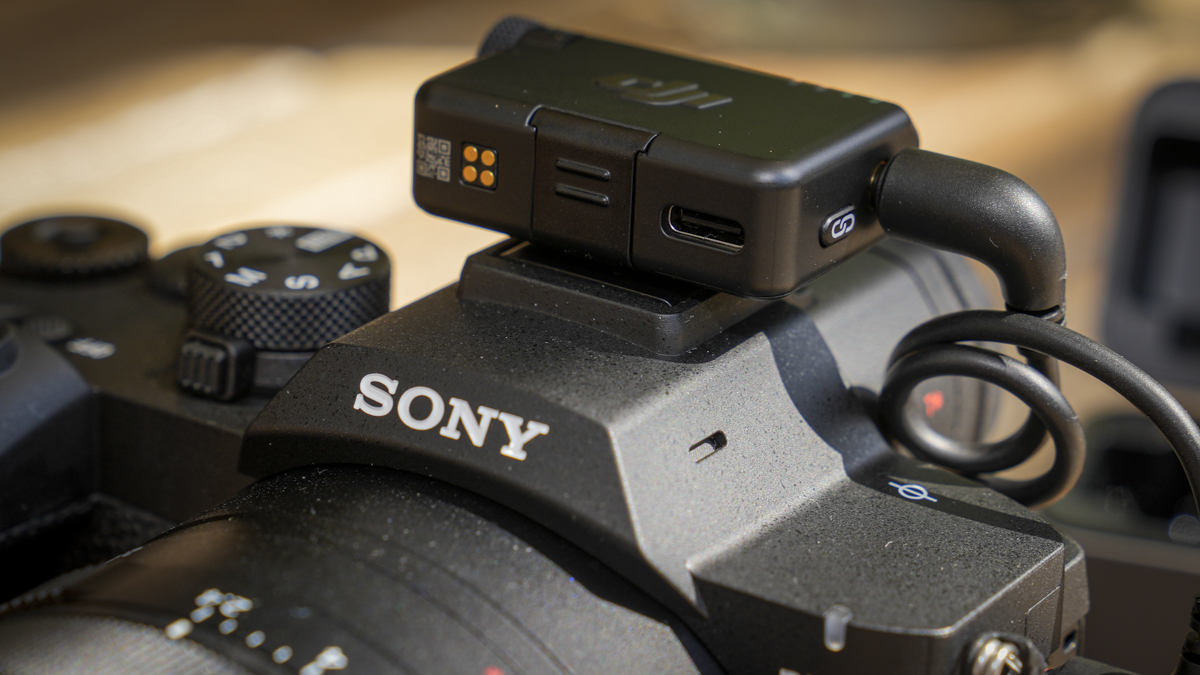
File transfer from the storage on the mics to your machine runs through the charging case, which connects directly to a camera or phone. DJI quotes up to 34 MB/s, around twice the speed of the Mic 3, and a 30-minute 24-bit recording in roughly 8 seconds.
Build and handling
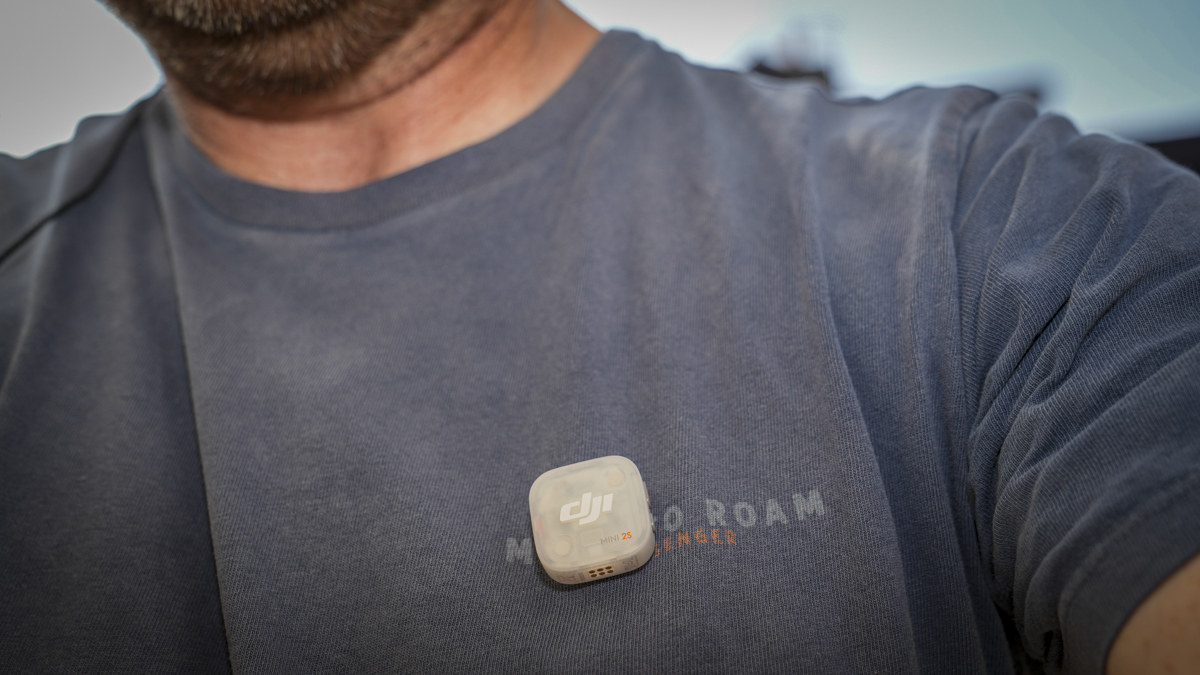
The transmitter measures 28.58 x 28.04 x 13.52mm and weighs 12g, or 15g with the magnet fitted. That’s a massive 1g more than the Mic Mini 2 and 2g more than the original Mic Mini – really, these things are so light a little weight back actually feels like a good thing. The back clip, which enables you to attach to clothing etc, is again detachable and rotatable through 90º.
The magnetic covers, that I have actually come to quite like since the launch of the Mini 2’s, return, in eight colours alongside black and white. What’s more, these covers now have a second job. With four transmitters running, a different cover on each one identifies the speaker on camera, which makes split-track editing faster, and I’ve started to assign colour to speakers in interviews, giving a good visual guide for the audio and video tracks.
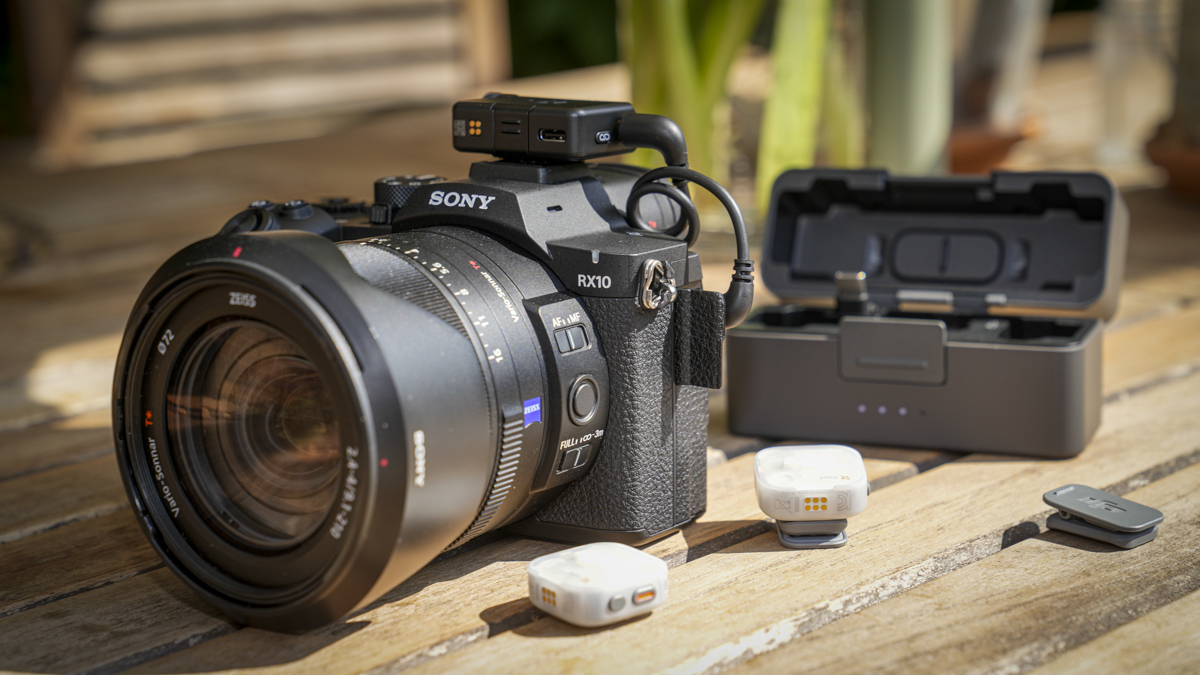
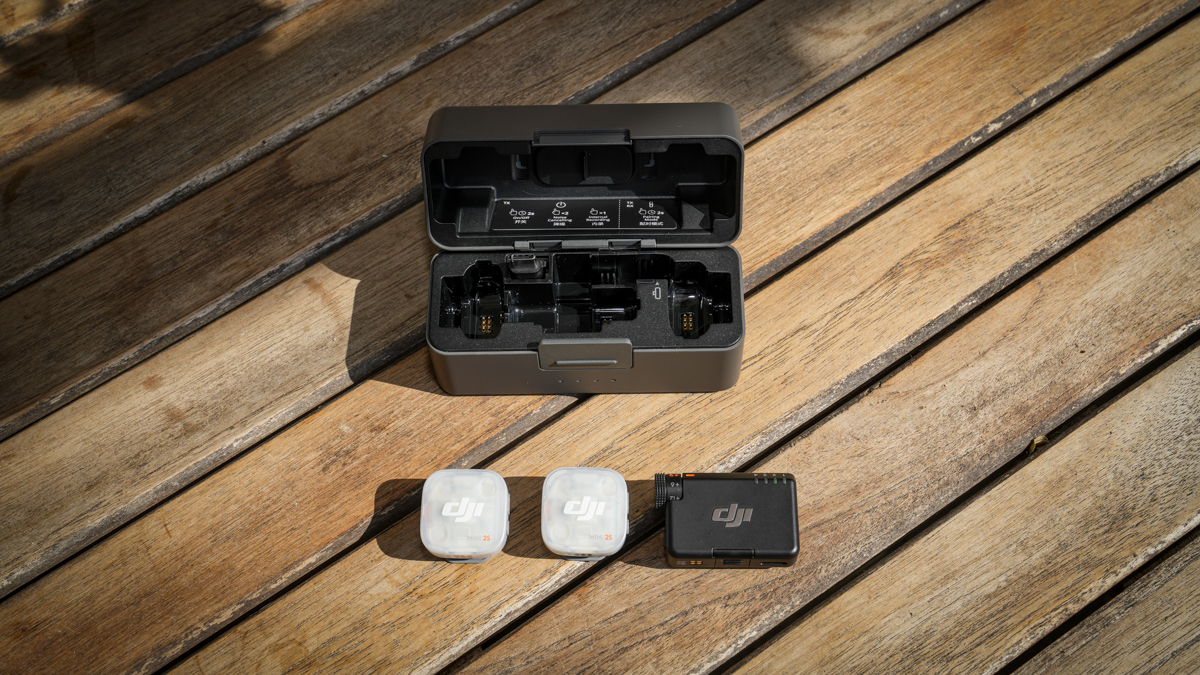
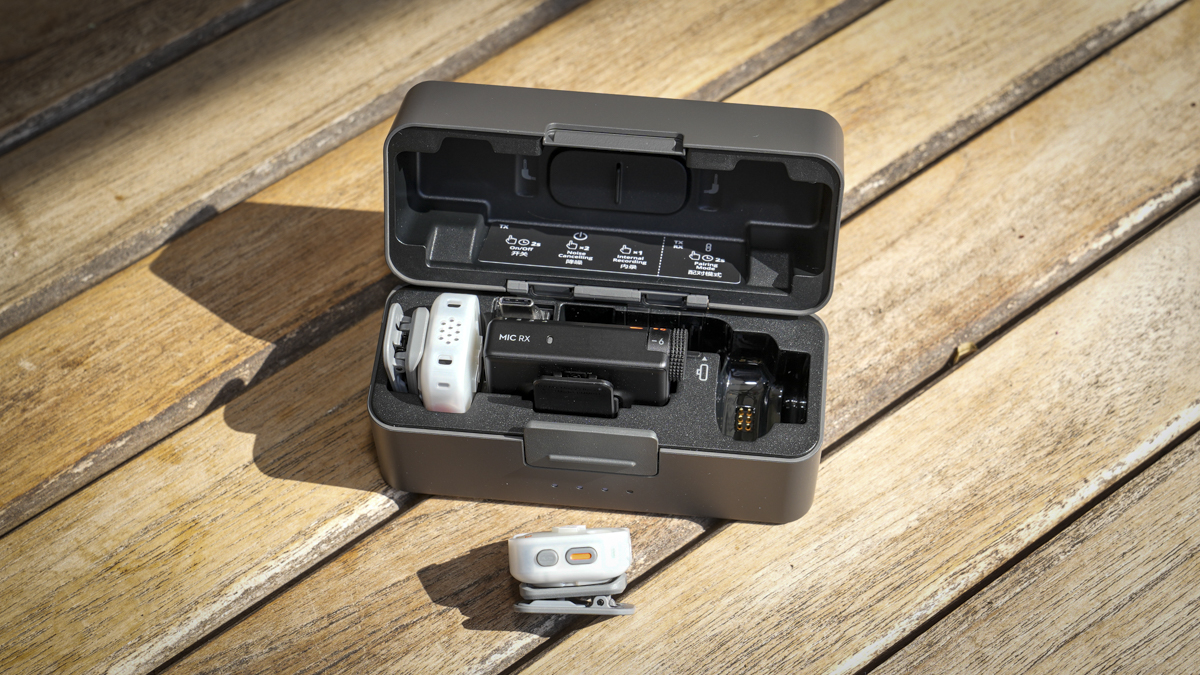
The charging case holds two transmitters, one receiver, one mobile receiver, two clips, two magnets, two windscreens and the 3.5mm audio cable. Fitting the mobile receiver and cable is a small change that removes a loose-accessory problem from the previous case, although you still get that zipped soft pouch to keep everything neat.
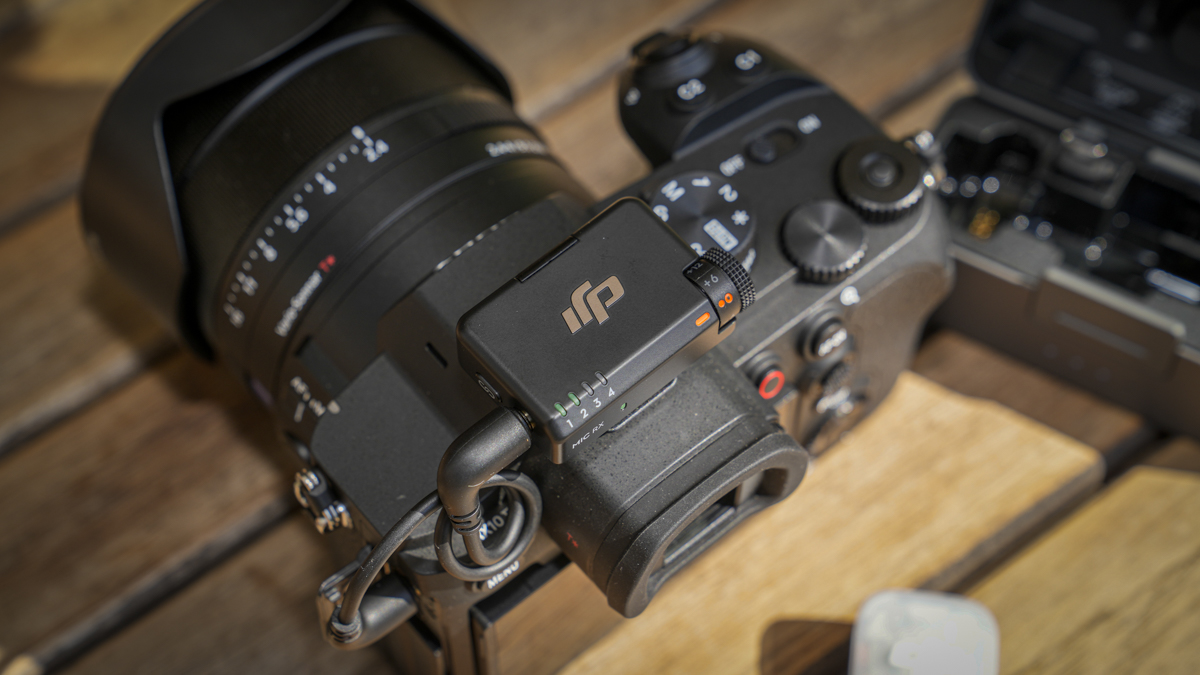
There’s still no 3.5mm lavalier input on the transmitter, but that’s part of the point of Mics at this level; just keep them simple. The specification sheet lists no maximum input level for one, which confirms it. Internal recording has arrived, but the microphone still has to be worn in shot, and that remains the line between this and the DJI Mic 2.
Audio quality
The Mic Mini 2S transmits 48kHz / 24-bit audio and records 24-bit or 32-bit float internally, and of course, as it is with this style of clip-on mic, the pickup is omnidirectional. Frequency response runs from 20Hz to 20kHz with the low cutoff, or from 100Hz to 20kHz with it on. An equivalent noise is quoted by DJI as 22dBA.
The three voice tone presets are the same as the Mic Mini 2. Regular is the default and aims for a balanced output; Bright lifts the treble; and Rich adds low-end weight. All three are selected in Mimo.
Performance
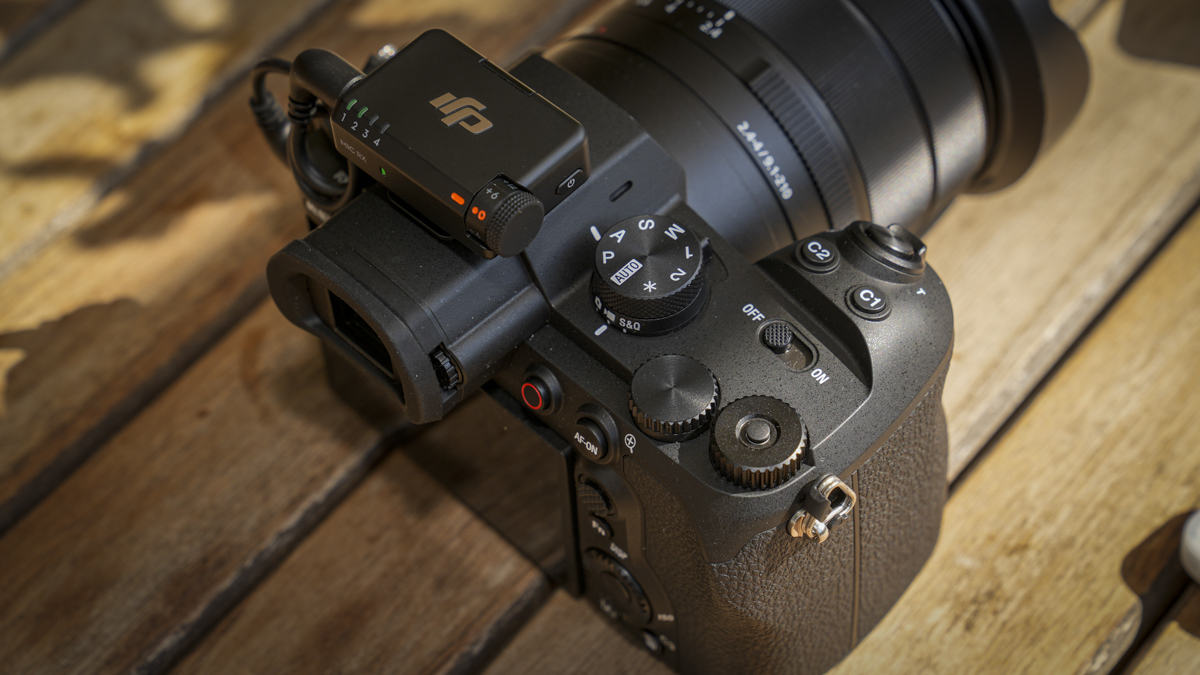
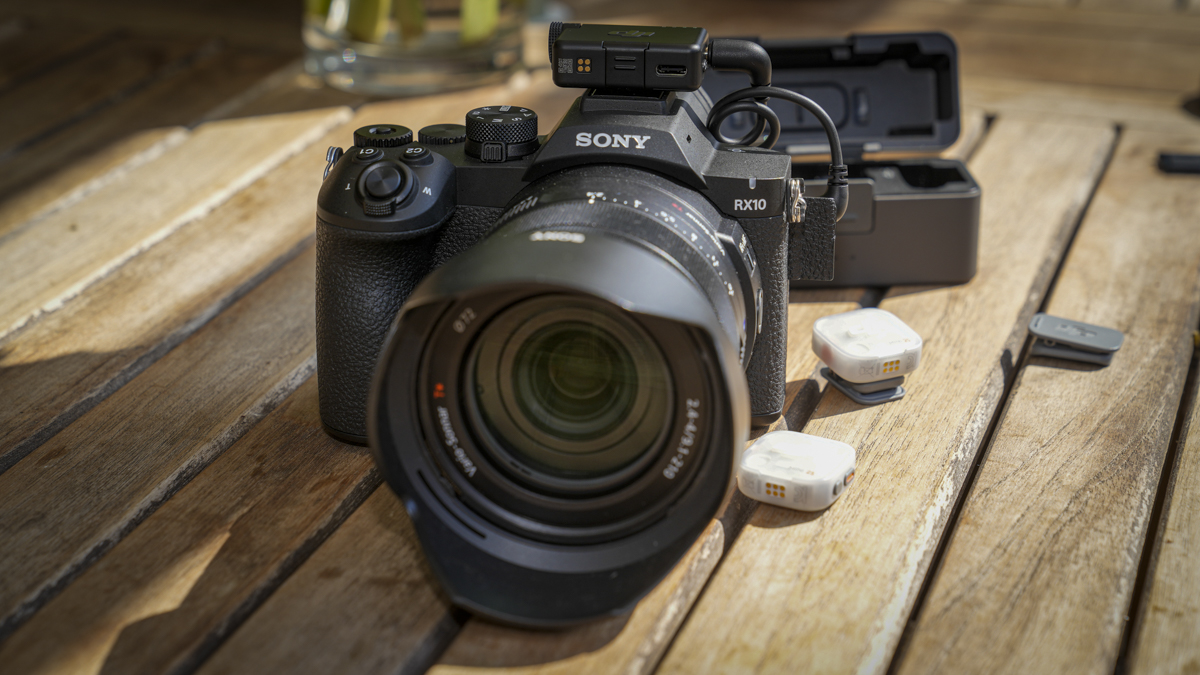
Setting up the Mic Mini 2S is as easy as any of the previous DJI Mic systems. Give the charging case a good charge with the transmitters and receivers inside, then clip on the mics, install the transmitter, and you’re essentially set to go.
The receiver unit comes with the option to be used directly with a camera through the usual 3.5mm connecting audio cable, or plugged directly into a phone using the USB-C adapter that’s also in the box.
Once everything was set up and installed, a quick transmission strength test in a field highlighted that DJI’s quote of a maximum range of 400 m with the Mic Mini 2S receiver proved to be about right; you could hear some breakup at that distance, but with a clear line of sight the quality was solid.
Looking at the transmitters first of all and aside from the link and record buttons, there’s little else to them. In the case the mics are fitted with the small wind jammers, which can, as ever, be easily removed. To start and stop recording, all you need to do is push the record button, so all nice and easy.
Looking through the instructions, it highlights that adaptive gain control runs in two modes. Clipping Control is enabled by default and automatically reduces gain to prevent distortion, so good if you have someone who is shouty or surprisingly high-pitched. Then there’s Loudness Balancing, which lifts quiet passages to hold a consistent level. Like many of the more advanced features, both of these are configured in the Mimo App.
The four-transmitter setup is something I wasn’t expecting, and in the past the only other system that I’ve used in this budget range was the Fulaim X6Q.
In order to do this, the receiver outputs four independent tracks: Mono, Stereo, Safety Track, and Quadraphonic modes, with Mono by default, for a four-way podcast or a two-camera interview, which removes the need for a second system.
This is really clever, although again for the more advanced features, such as the output choices, you need to dip into the Mimo App. However, if you already own the Mini Mic 2s and want to pair these into a Mini Mic 2S system, then all you need to do is push the pairing button on the receiver, and all transmitters and all four will pair, so you can use Mini Mic 2 and Mini Mic 2S together.
Used with DSLR or Mirrorless cameras, the setup process is fast and straightforward, essentially mount and use. Where this all starts to make even more sense is with the large DJI ecosystem of cameras. Behind every new device is OsmoAudio, which enables you to connect these mics up quickly with any of their recent devices, such as the DJI Osmo Pocket 4P.
Through the test, I was able to link up to two transmitters directly to the Osmo Pocket 4, Osmo 360, Osmo Nano and Osmo Action 6with no receiver at all. Two-person audio into a pocket camera with nothing mounted on it is genuinely useful for all sorts of situations.
The DJI Mic Mini 2S is a wireless mic system that pretty much covers the basics for anyone just wanting to record great audio without any faff. The setup is easy, especially with the onboard recording option and the fact that you can record with up to four mics, and that it’s backwards compatible all makes for incredible value. For me, this is now one of the best wireless mic solutions out there, and a great option for anyone starting to take audio recording seriously.
Should you buy the DJI Mic Mini 2S?
Buy the Mic Mini 2S if you need a safety track, film more than two people, or move files often enough that transfer speed matters. Skip it if you already own a Mic Mini 2 and record one person at a time, because the audio path is broadly the same.
Buy it if
- You need backup recording.
- You film multi-person interviews.
- You shoot DJI Osmo
- You transfer files often.
Don’t buy it if
- You need a lavalier
- You need timecode
- Your Mic Mini 2 suffices
Alternatives
DJI Mic Mini 2 – the same size and audio path without internal recording, and likely cheaper now the 2S is here. The better buy if one transmitter covers your work.
DJI Mic 3 – timecode, a touchscreen receiver, 32GB dual-file recording and eight receivers. The step up when the job is production rather than content.
DJI Mic 2 – still the one to choose if you need a 3.5mm lavalier input and a hidden microphone.
How we tested
I tested the DJI Mic Mini 2S over 2 weeks, using it for pieces to camera and an interview. Testing covered internal recording, the two noise-cancelling levels, all three voice presets and multi-transmitter capture.
DJI Mic Mini 2S FAQs
Does the DJI Mic Mini 2S record internally?
Yes. Each transmitter has 16GB of internal storage and records up to 28 hours at 24-bit or 22 hours at 32-bit float. You enable it in the DJI Mimo app, since it’s off by default. Recording carries on even if the wireless connection to the receiver drops.
Does the Mic Mini 2S work with older DJI Mic Mini transmitters?
Yes. The Mic Mini 2S receiver connects to Mic Mini, Mic Mini 2, and Mic Mini 2S transmitters and supports up to four at once. The Mic Series Mobile Receiver adds Mic 2 and Mic 3 transmitters to that list, but caps the connection at two transmitters.
Does the DJI Mic Mini 2S have a 3.5mm lavalier input?
No. The transmitter doesn’t use an external microphone, so you wear it on-camera rather than hiding a lavalier under clothing. If you need a concealed microphone for interviews or drama, choose the DJI Mic 2 instead, which keeps the 3.5mm input.
me How long does the DJI Mic Mini 2S battery last?
DJI quotes 11 hours for the transmitter and 10 hours for the receiver, totalling 40 hours with the charging case. A five-minute charge returns about an hour of use. Those figures assume noise cancelling and internal recording are switched off, so expect less in practice.