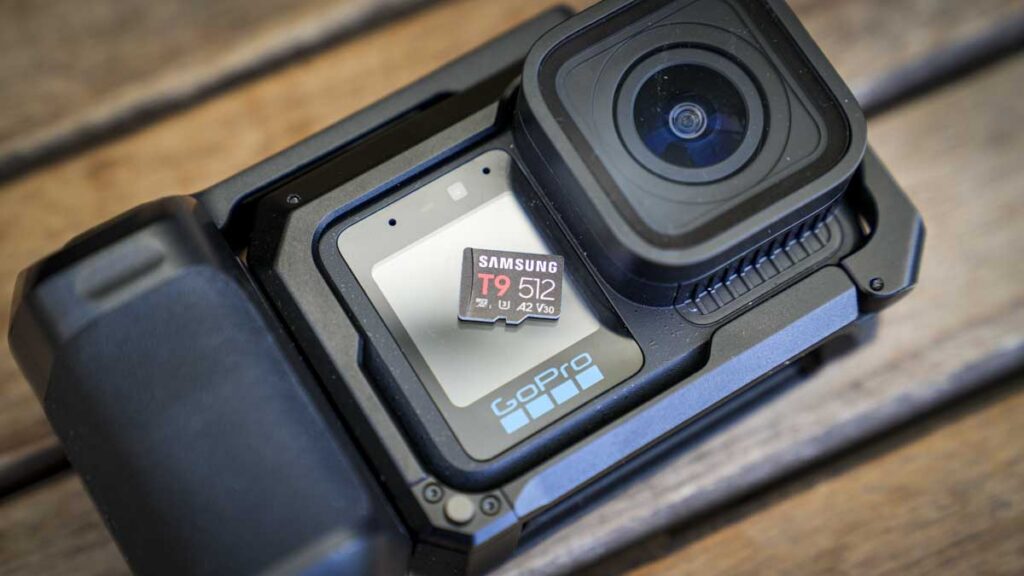

Samsung T9 microSD card review: fast V30 4K/8K performance, rugged protection and A2 support for cameras, drones and creators.
Our Verdict
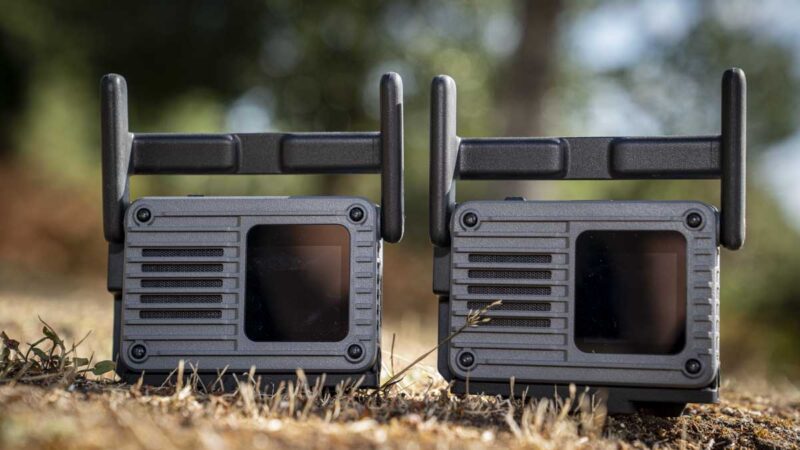
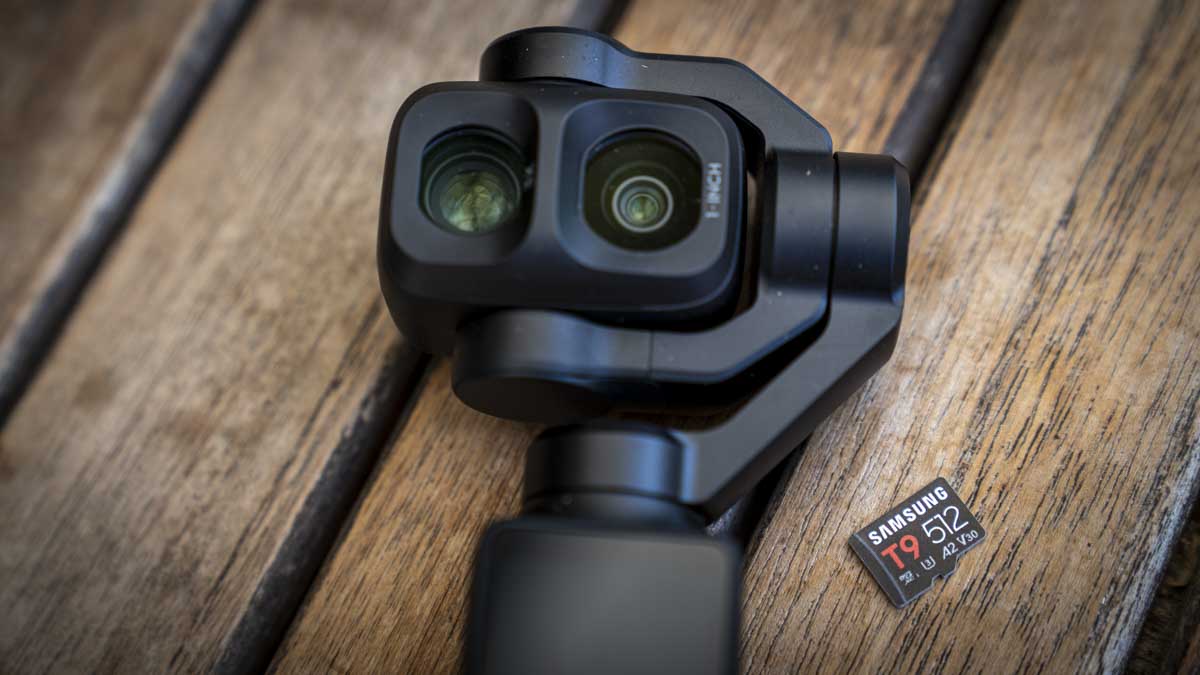
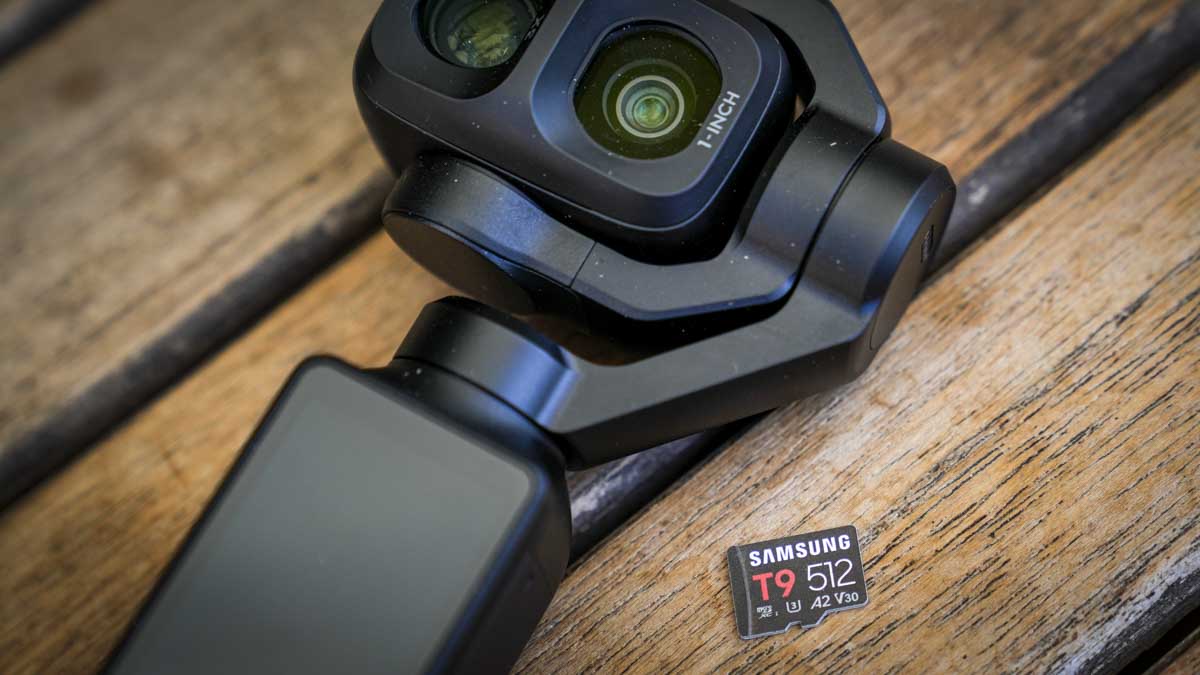
The Samsung T9 is a fast, tough UHS-I microSD card that handled everything I asked of it in two demanding cameras. On the GoPro Mission 1 Pro and the DJI Osmo Pocket 4P, it kept up at every setting either camera offers, including the GoPro’s 8K/60 and both cameras’ 4K/240 fps slow motion, without a single dropped recording.
The headline speed on my test equipment didn’t quite match those headline numbers, and after trying a series of different readers, the results from the first run remained roughly the same. Across three benchmarking tools and two separate card readers, the T9 read at an average of 91.7 MB/s rather than the 200 MB/s printed on the packaging. That is not an issue with the card; it’s the UHS-I interface operating at 88% of its potential, and, more than likely, like other UHS-I cards of this style, it needs Samsung’s own reader running a proprietary mode to reach that 200 MB/s speed.
When using either the Mission 1 Pro or the 4P, read speed isn’t the issue and what matters far more is sustained write speed, and here the T9 has plenty to spare. Even at its slowest measurement, it wrote at 49.81 MB/s, which is 1.7 times the V30 requirement and well ahead of anything either camera can demand of it.
Who it’s for: action camera and gimbal camera users shooting 4K or 8K, photographers who want a card that survives a soaking, and anyone running apps from storage who benefits from the A2 rating.
What is the Samsung T9 microSD card?
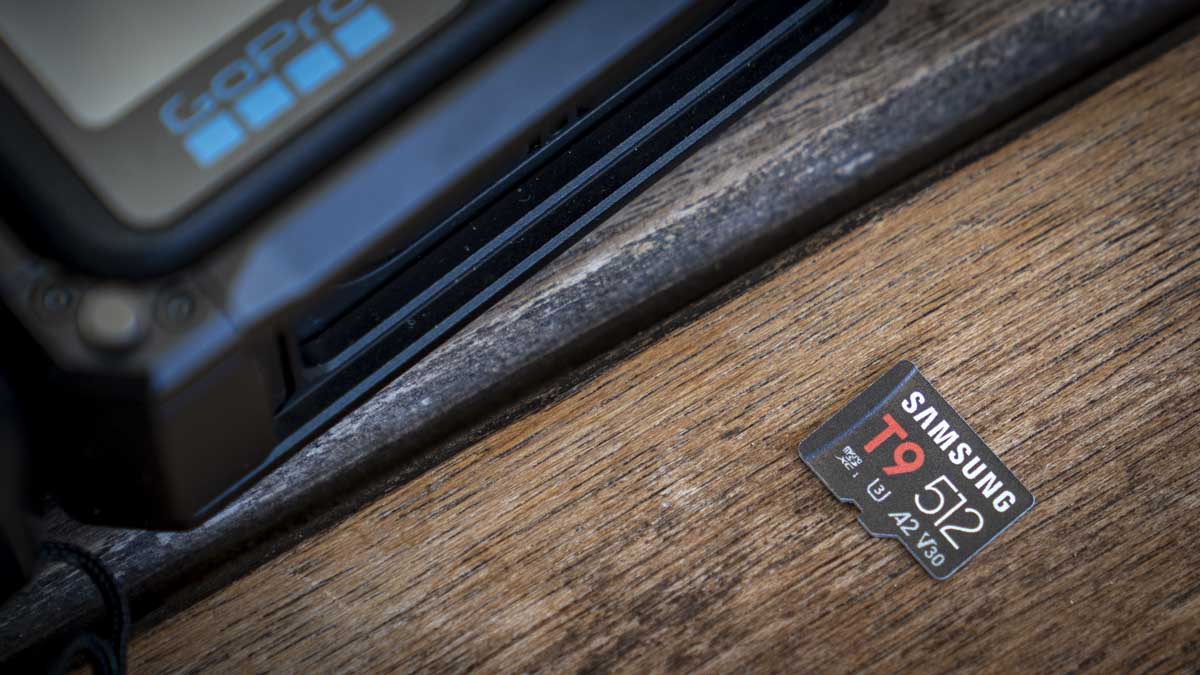
Specification
Size: 15 x 11 x 1mm
Weight: Approximately 0.25g
Technology: UHS-I, U3, V30, A2
Rated R/W speeds: Up to 200MB/s read, up to 130MB/s write
Operating temperature: -25°C to 85°C
Durability: Six-proof protection, 10,000 mating cycles
Warranty: Three years
Price: £144
Build and Handling
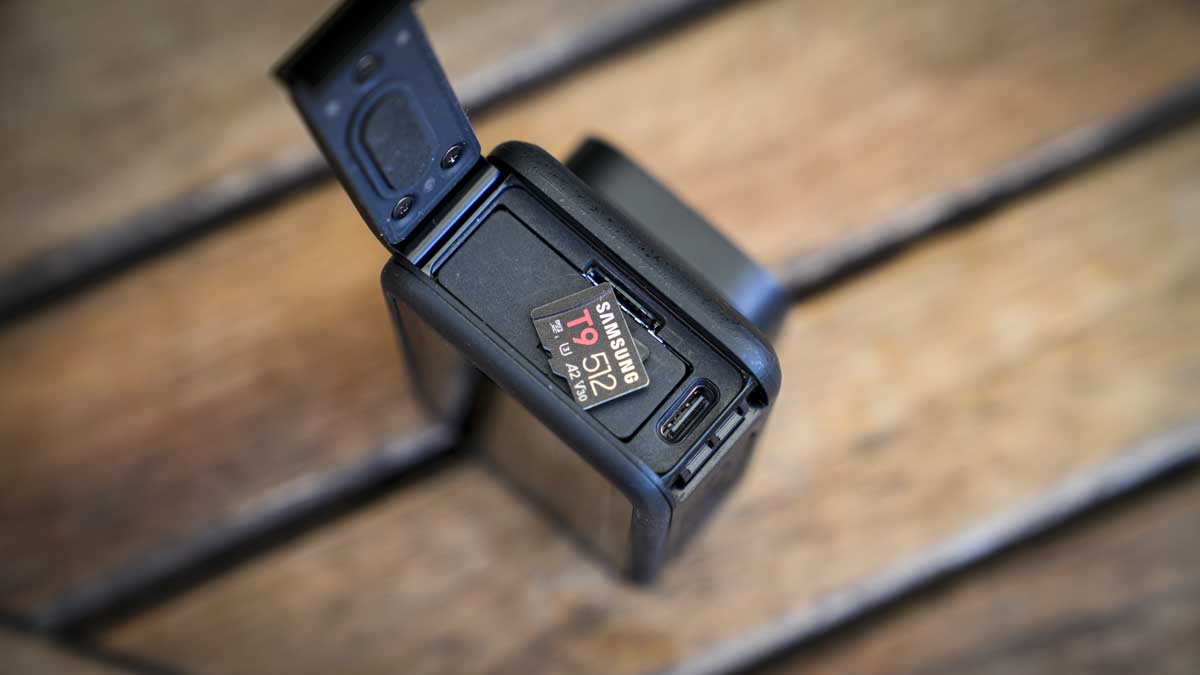
Features
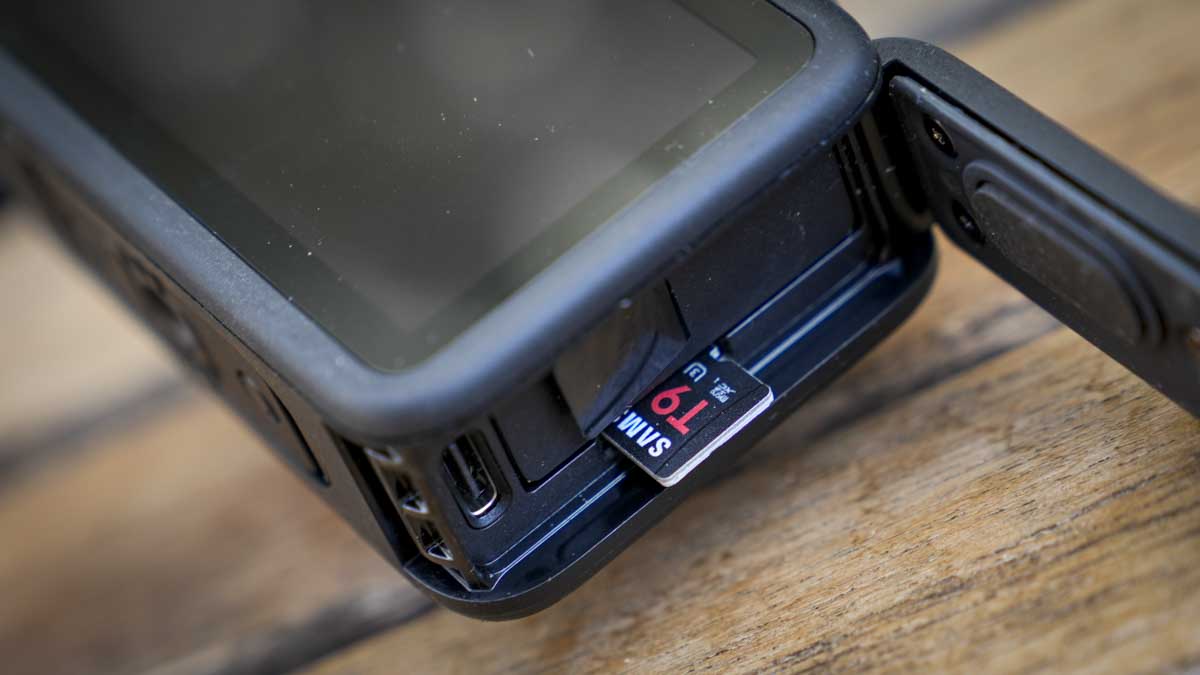
Performance
Benchmark Results
AJA System Test Lite: Read: 91MB/s, Write: 78MB/s
Blackmagic Disk Speed Test: Read: 89.2MB/s, Write: 166.0MB/s
The next test was to drop it into a glass of water and leave it there for 30 minutes. After it was soaked, I left it out to dry before popping it into the GoPro to see if it was still recognised and all was good.
I then froze it, defrosted it, and left it to bake in direct sunlight. At each point after drying and returning to a decent temperature, I popped it into the camera, and it all worked absolutely fine.
Final Thoughts
Should you buy the Samsung T9 microSD card?
Your camera gets wet.
You run apps from storage.
You want a longer warranty.
How we tested