
Simple home NAS storage with smart photo tools, easy backups and 4K media playback
What is the UGREEN NASync DH2300?
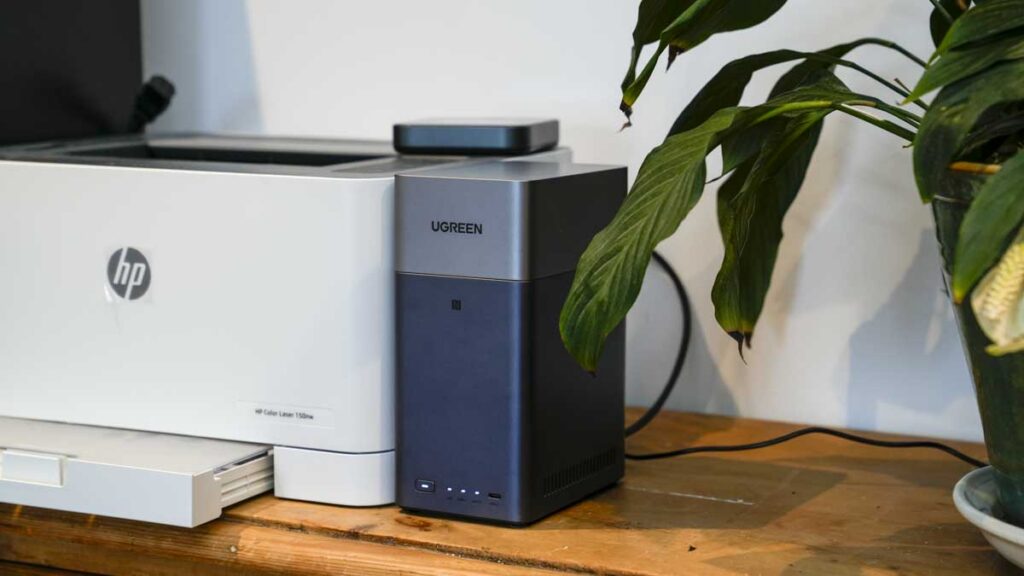
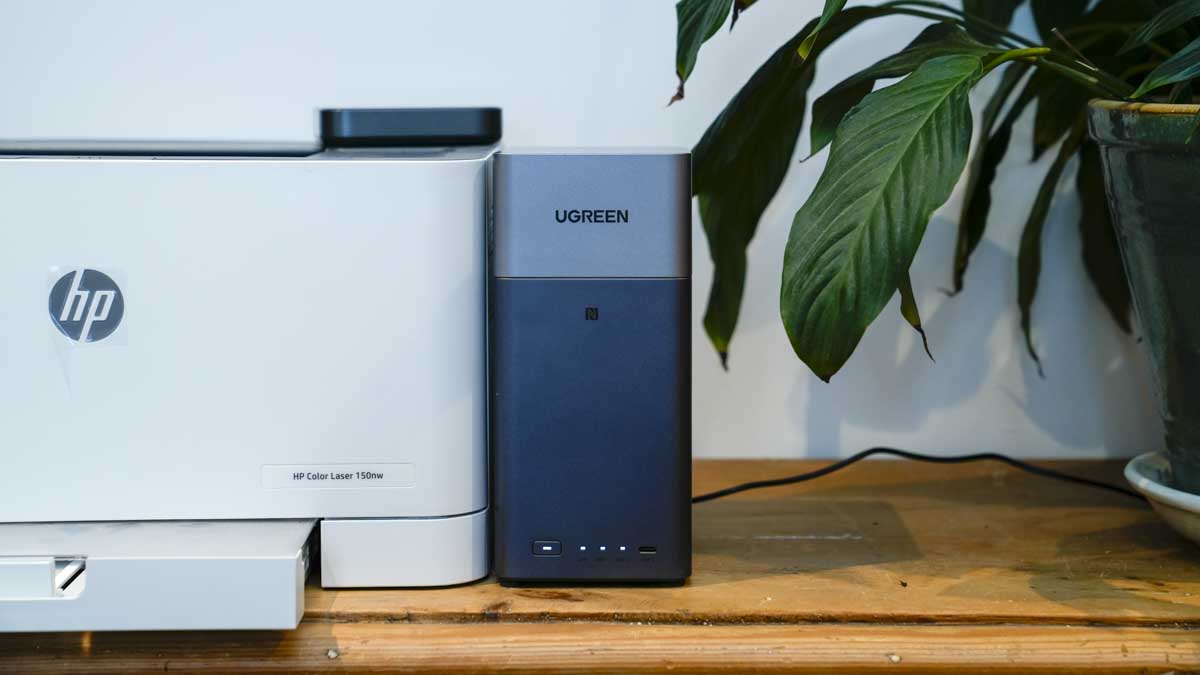
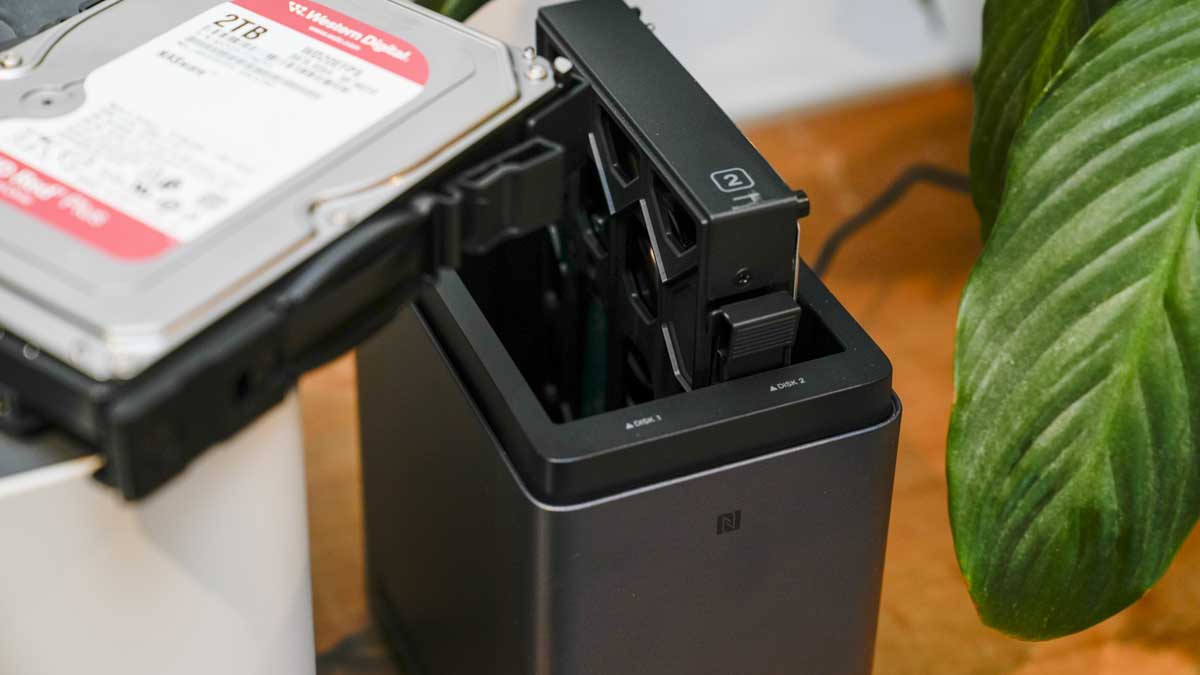
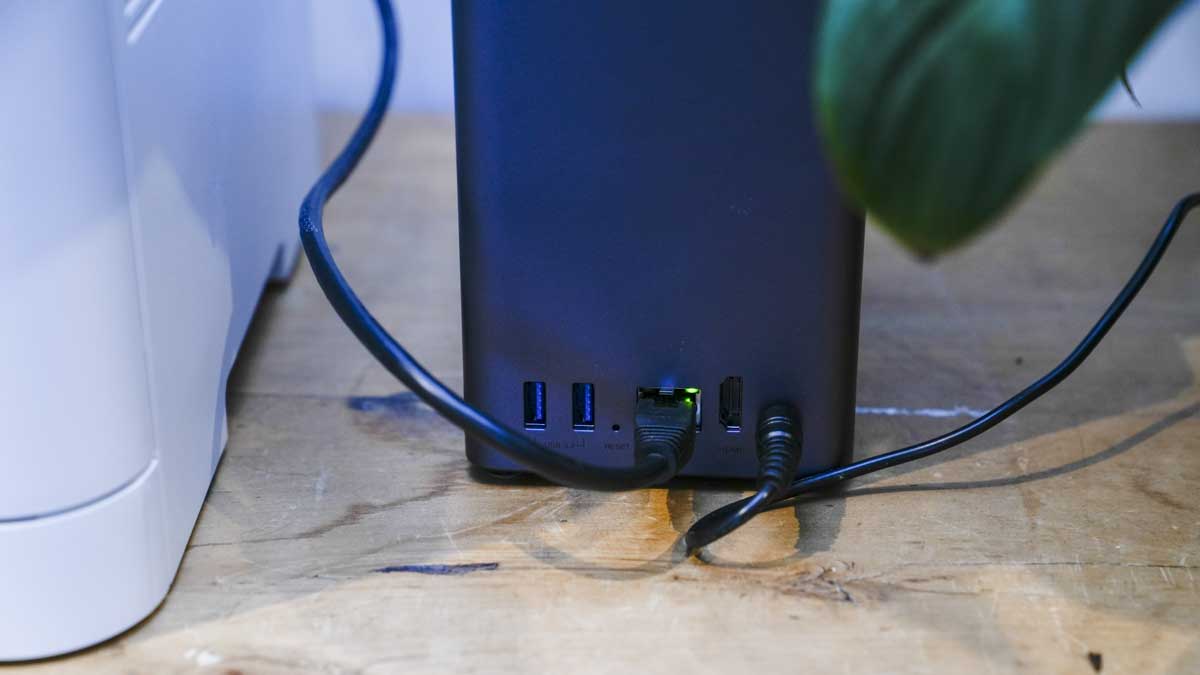
The DH3200 is an entry-level two-bay NAS running UGREEN’s own UGOS Pro, built around a Rockchip eight-core ARM processor at 2.2GHz with 4GB of LPDDR4X and 32GB of eMMC for the system. It takes two SATA drives in either 3.5in or 2.5in form, up to 32TB each for a maximum of 64TB, and has a 1GbE network port, three USB 3.2 Gen 1 ports and an HDMI output that will drive a 4K display at 60Hz.
What it’s not is an enthusiast machine. There is no Docker, no virtual machine support and no internal M.2 NVMe. UGREEN has drawn the line deliberately: this is aimed at someone setting up their first NAS who wants photo backup, file sharing and a media server, and who would like all three to work without a weekend of reading forums.
Specification
Model: UGREEN NASync DH2300
Type: Two-bay desktop NAS
Drive bays: 2x SATA, 3.5 in or 2.5 in
CPU: Rockchip A72+A53 eight-core, 2.2GHz
NPU: 6 TOPS claimed, used for AI photo recognition
RAM: 4GB LPDDR4X
System storage: 32GB eMMC
Maximum capacity: 64TB with two 32TB drives
RAID modes: Basic, JBOD, RAID 0, RAID 1
File systems: EXT4 and Btrfs, with Btrfs adding snapshot support
Networking: 1x 1GbE
USB: 1x USB-C 3.2 Gen 1 (5Gbps), 2x USB-A 3.2 Gen 1 (5Gbps)
Video out: HDMI 4K 60Hz
Operating system: UGOS Pro
Firmware tested: 1.17.0.0095
Dimensions: 151 x 98 x 213.7mm
Power, drive access: 13.72W
Power, hibernation: 3.304W
Drives: Not included
Price: £176.99 direct from UGREEN, reduced from £219.99; £176.90 to £190 from UK retailers
Bundles: With UPS £255.99; with M.2 NVMe SSD enclosure £186.99
Measured, wired: Read 109MB/s, write 103MB/s (AJA System Test Lite, EXT4)
Measured, Wi-Fi: Read 61MB/s, write 46MB/s (AJA System Test Lite, Btrfs)
Build and Handling
Features
UGOS Pro
Initial setup was fast over the wired network, and UGOS is developing into a solid operating system for everyone, not just people who already understand NAS terminology. It gets you into using the thing without needing any technical knowledge, which, given the audience and the entry-level pitching, is exactly what’s needed.
The personal cloud, and how to set it up
Locally on the MacBook Pro, I enabled SMB in the settings and turned on sharing, which sets up the personal cloud. Then go to Control Panel > Device Connection > Remote Access, and finally UGREEN Remote Access, where you fill in your details. One point worth knowing if you are reading this outside China: you will need to register with an email address. Inside China, you can also use a phone number.
Photos, Theatre and Music
The bundled apps all worked well on the live network and later on the isolated internal one, and together they make this small box a very effective media hub for any office or a studio. I’m actually starting to transfer my old analogue music library onto the NAS to remove the need for music subscriptions. Actually, mixing radio with searching for the tracks I want has really helped stop the passive music listening I’ve been prone to for several years. Latest on the playlist is Graham Coxon’s excellent Castle Park and the rediscovery of Mega City Four’s Soulcscraper.
The photo tool app is also impressive and again carries the AI features UGREEN leads on: face grouping, location and object sorting, OCR search, timelines, and duplicate handling, and they do work.
If this could also do video and audio transcription, it would be a very powerful solution.
Storage, RAID and file systems
Performance
Wired speed, and what the 1GbE port really costs you
Over Wi-Fi
In the studio and the office
The capacity problem and the drive maths
Final Thoughts
Should you buy the UGREEN NASync DH2300?
How we tested
UGREEN NASync DH2300 FAQs
Do you ship internationally?
Yes, we are pleased to confirm that we offer worldwide shipping! Please note that we are unable to deliver to some countries and we apologize for any inconvenience caused.
Where do you ship from?
We ship all of our orders from the Netherlands, where our warehouse is based.
Can I return an item free of charge?
We offer a refund on any items returned to us within 14 days of the delivery date, excluding any delivery costs. To request a return, go to Order Management.