
The Orico Thunderbolt 5 Enclosure X50 delivers exceptional aluminium build quality, silent passive cooling, and the full rated transfer speeds of one of the first true Thunderbolt 5 enclosures available
Our Verdict
Orico Thunderbolt 5 Enclosure X50 Verdict
What is the Orico Thunderbolt 5 Enclosure X50?
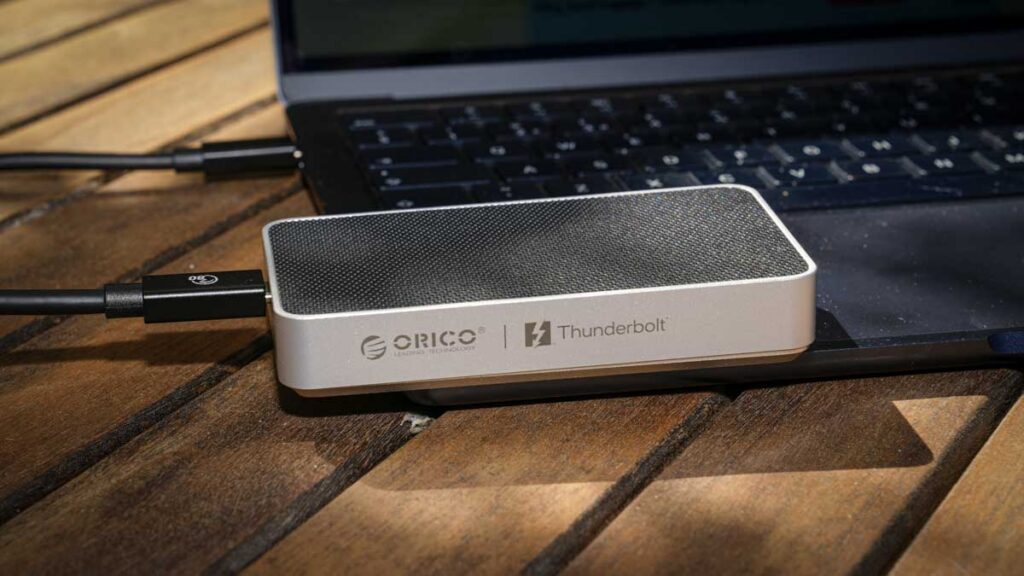
The Orico Thunderbolt 5 Enclosure X50 is an aluminium-bodied portable SSD enclosure designed to house a single M.2 NVMe SSD and connect to your host machine via Thunderbolt 5. It is one of the first widely available Thunderbolt 5 enclosures on the market, offering a route into the new interface for those of us who want to build our own portable storage rather than buy a pre-configured drive.
The enclosure measures 110 × 60 × 18.7mm, weighs approximately 183g with an SSD fitted, and uses a silver brushed aluminium finish with integrated heatsink fins on the base for passive cooling.
It is aimed at photographers, videographers, content creators, and other power users who want the fastest possible external storage for handling large files, video timelines, and high-resolution camera card offloads.
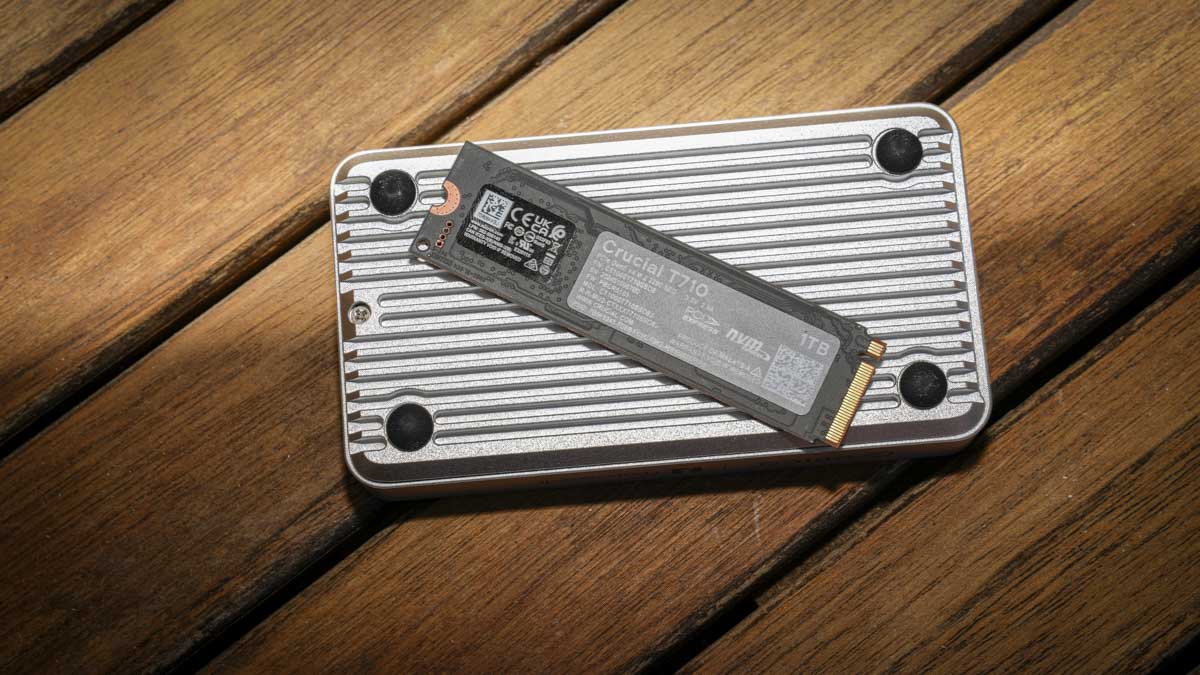
Orico sells the X50 both as a bare enclosure for those of us who want to fit our own SSD, and pre-configured with 512GB, 1TB, 2TB, or 4TB drives already installed. Its USP is the combination of premium aluminium build quality, genuinely silent passive cooling, and the ability to deliver Thunderbolt 5’s full rated transfer speeds in a compact, camera-bag-friendly form factor.
Specifications
Model: ORICO-X50
Interface: Thunderbolt 5
Theoretical transfer rate: 6,000MB/s read | 5,800MB/s write
Compatible drives: M.2 2280 NVMe SSD (PCIe Gen3, Gen4, or Gen5)
Material: Aluminium alloy with integrated heatsink fins
Colour: Silver
Dimensions: 110 × 60 × 18.7mm
Weight: Approx. 183g (with SSD fitted)
Cooling: Passive (aluminium chassis + thermal silicone pads)
Cable included: 0.5m C-to-C 80Gbps Thunderbolt 5 data cable
In the box: Enclosure, data cable, 2 × thermal silicone pads, screwdriver, instruction manual
OS support: Windows | macOS | Linux
Capacity options: Bare enclosure, or pre-built with 512GB / 1TB / 2TB / 4TB SSDs
Price: TBC (UK pricing not yet confirmed)
Build and Handling
My first impressions of the X50 were excellent. The build quality is among the best of any external enclosure I have tested in recent memory, with a solid aluminium body, brushed silver finish, and integrated heatsink fins along the base. There is nothing cheap about the design, and the metal construction told me immediately that this enclosure is built to handle the heat that fast Gen5 SSDs generate under sustained load. The compact 110 × 60 × 18.7mm form factor fits comfortably into a side pocket of my camera bag, and at approximately 183g with an SSD fitted, the additional weight is barely noticeable when I am carrying it around with the rest of my kit.
I appreciated the unboxing experience too. Many manufacturers ship enclosures with little more than a USB cable, but Orico has included a screwdriver, two thermal conductive silicone pads, and a 0.5m C-to-C 80Gbps Thunderbolt 5 cable, alongside an instruction manual. Everything you need to fit an SSD and start using the enclosure is in the box, and the inclusion of the high-bandwidth Thunderbolt 5 cable is significantly more useful than the basic USB cables you usually get with cheaper enclosures.
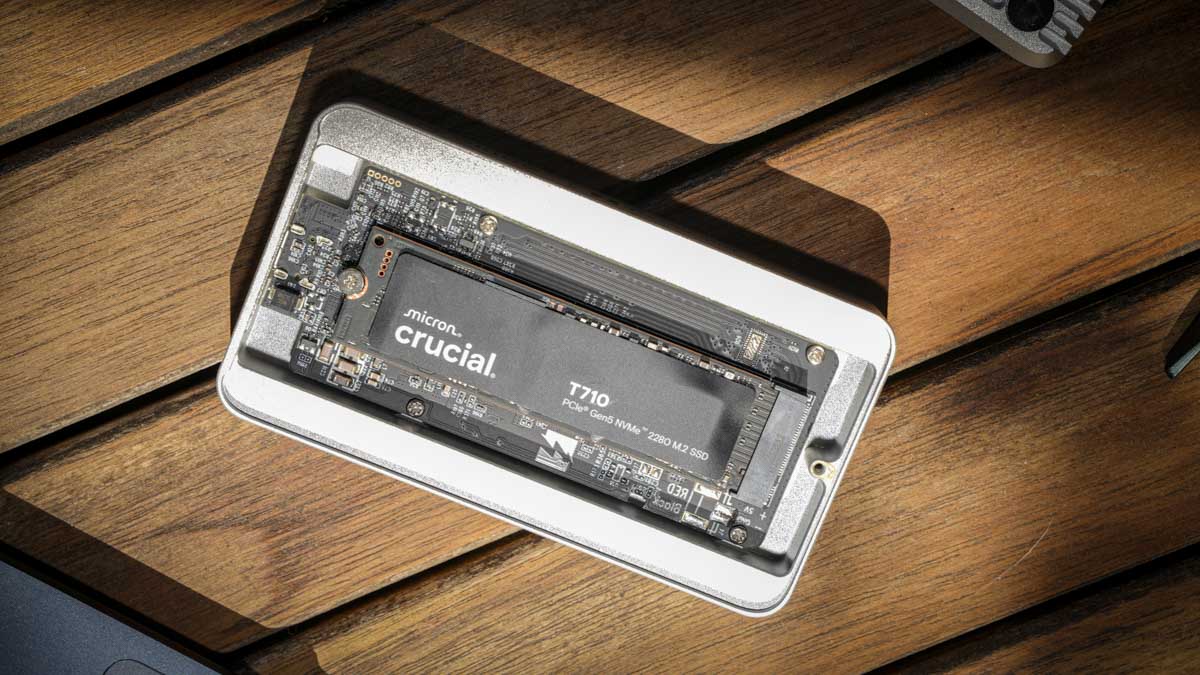
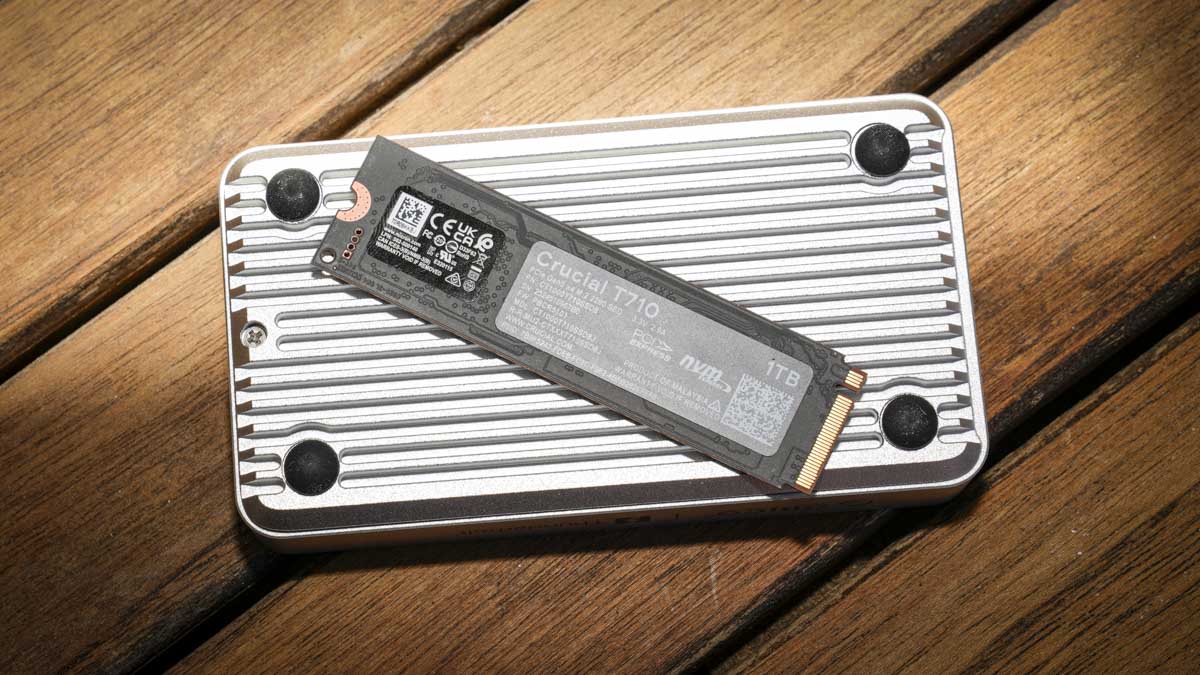
Installation was straightforward. A single screw secures the base of the enclosure, and once I had unscrewed it the solid aluminium base plate, which acts as a heatsink, lifted away cleanly. The body of the enclosure is also solid aluminium, surprisingly weighty for its size, with the circuit board mounted neatly inside. I dropped the M.2 SSD directly into the connector and secured it with the supplied screw, then placed the silicone thermal pad on top of the drive.
When I reattached the base plate, the pad made firm contact with the flat aluminium base, creating a large surface area for heat dissipation away from the SSD.
The thermal solution is the most impressive aspect of the build for me. During three-hour Final Cut Pro X editing sessions and extended Adobe Media Encoder runs on the PC, the SSD inside continued to run smoothly with no thermal throttling.
The base of the enclosure became noticeably warm to the touch, more so than I am used to with typical USB SSDs, but this is exactly what the heatsink is supposed to do, drawing heat away from the drive and dissipating it through the chassis.
The 0.5m cable length is appropriate for how I actually use it, long enough to give me flexible positioning on my desk while short enough to avoid unwieldy cable coils.
The only minor build issue I noticed is a slight rise at one end of the base plate after reassembly, which is barely visible but worth flagging if you are particular about a perfect fit.
Features
The headline feature for me is the Thunderbolt 5 interface. As one of the first widely available Thunderbolt 5 enclosures on the market, the X50 represents a meaningful step up from the Thunderbolt 4 enclosures I have been using, provided you have compatible host hardware.
The interface enables transfer speeds significantly above what Thunderbolt 4 can deliver, and pairing the enclosure with a fast Gen5 SSD like the Crucial T710 reveals just how much headroom the new standard provides. If you are building external storage today, I think the X50 is a sensible future-proofing investment, even if current Thunderbolt 5 host hardware is still relatively rare outside the latest MacBook Pros and dedicated PCIe expansion cards.
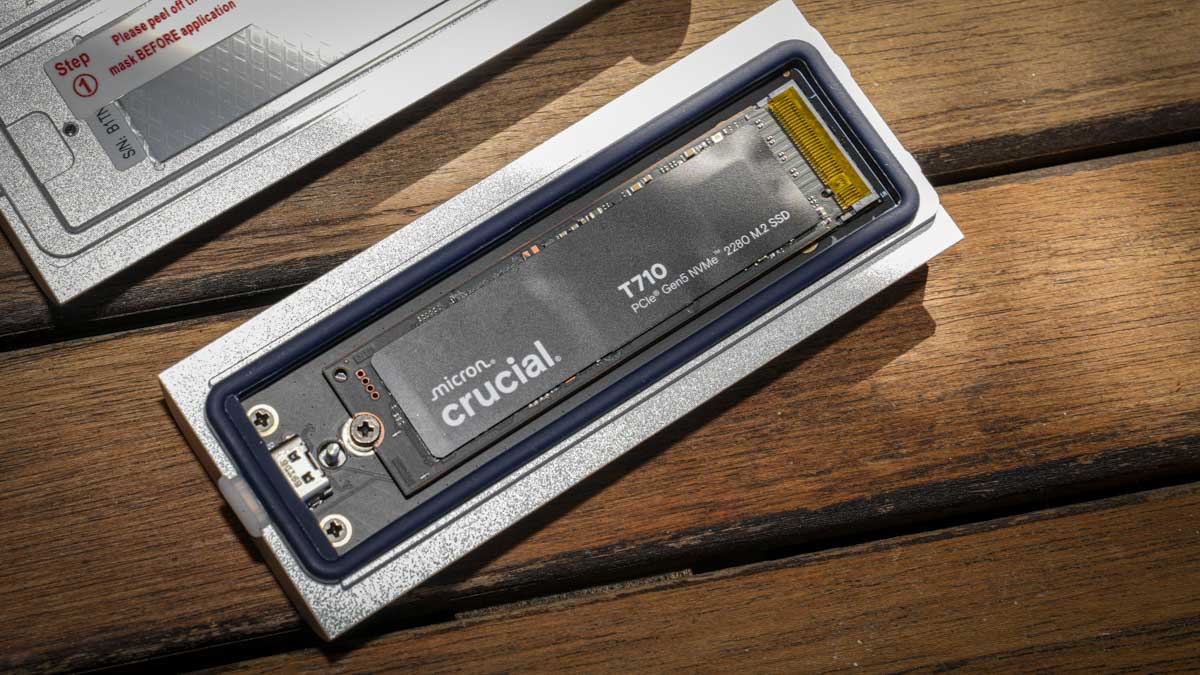
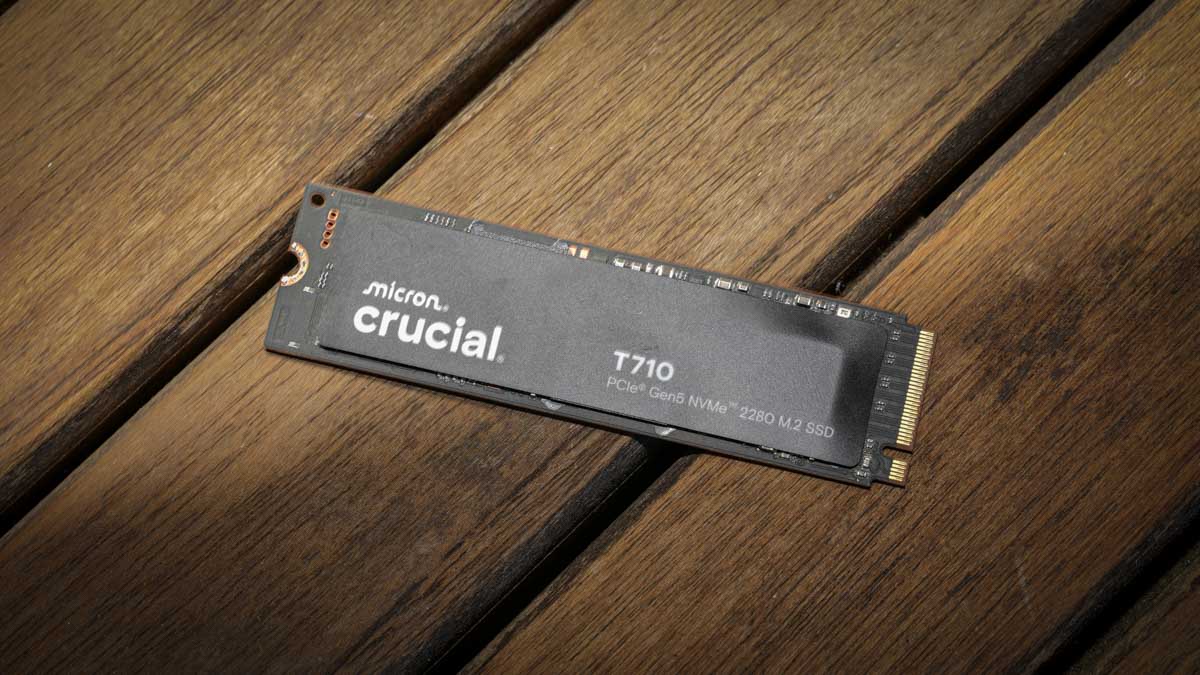
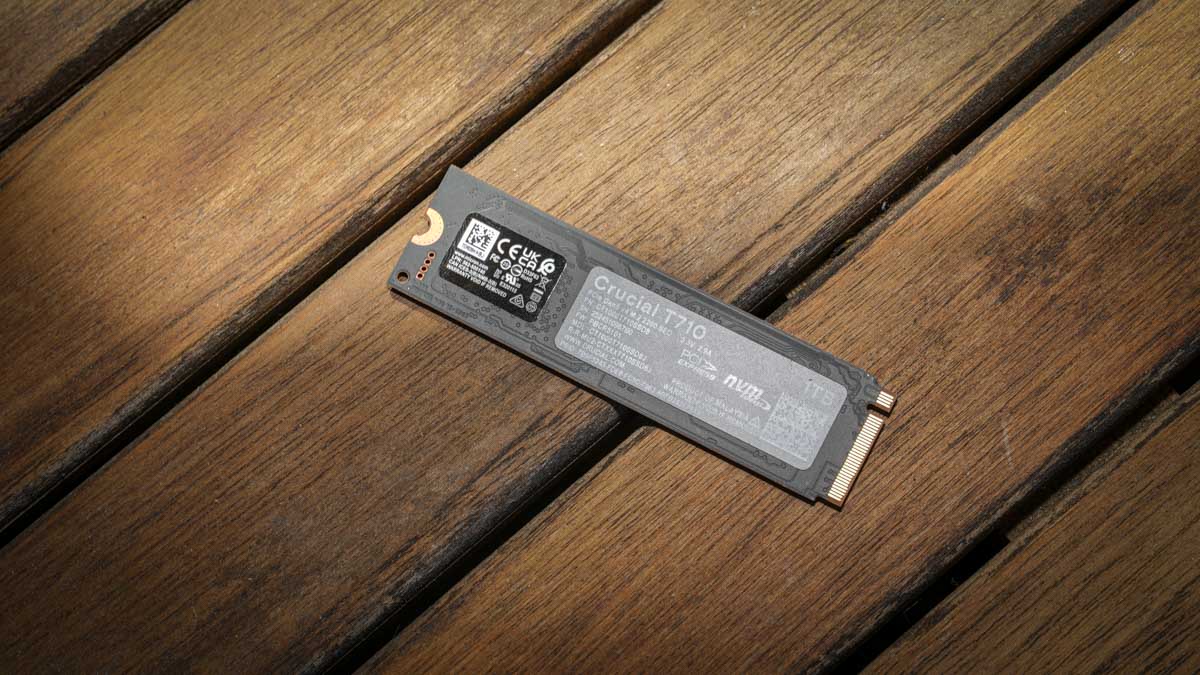
The bare enclosure approach gives you more flexibility than buying a pre-built portable SSD. I fitted the Crucial T710 M.2 SSD, which I also have in on review, but essentially this lets you choose the specific drive, capacity, and price point that suits your workflow.
Essentially when your capacity needs grow, you can move the original SSD to a desktop machine or a NAS while a larger drive takes its place in the enclosure, rather than buying an entirely new portable SSD each time. This approach typically works out cheaper in the long run, with the trade-off being a small amount of initial setup work.
Cross-platform compatibility was confirmed across both my MacBook Pro M1 Max and my ASUS desktop. I formatted the enclosure in exFAT and it worked seamlessly across both Windows and macOS without any driver requirements or compatibility issues.
Linux compatibility is listed by Orico but I did not test it for this review, my Linux machine is going through some changes at the moment, so I will revisit that another time. The connection itself was reliable across both platforms, with no sleep-wake issues, no disconnections, and no moments where the drive disappeared from the system. The Thunderbolt 5 connector seats firmly into the enclosure and the supplied cable, and the connection feels secure and durable.
Passive cooling is the right approach for a portable enclosure of this size, and the absence of a fan means the X50 operates in genuinely silent mode. There is no fan noise, no audible coil whine from the SSD during heavy transfers, and no chassis vibration. If you work in a studio or quiet editing environment where any additional noise becomes intrusive, this is a significant practical advantage over actively cooled enclosures, and one I noticed straight away.
Performance
I tested performance on two platforms with the Crucial T710 1TB installed inside the X50. On my MacBook Pro M1 Max, limited to Thunderbolt 4 with a theoretical ceiling around 3,200MB/s, the BlackMagic Speed Disk Test recorded 2,989.5MB/s read and 2,921.5MB/s write, AJA System Test Lite returned 2,958MB/s read and 1,848MB/s write, and Amorphous returned 3,415.83MB/s read and 1,726.83MB/s write.
The consistency of read performance across all three Mac tests, sitting right at the Thunderbolt 4 ceiling, told me that the X50 is fully capable of saturating the available connection bandwidth on the older host.
On my ASUS desktop with the Thunderbolt 5 PCIe card, the results revealed what the X50 can really do. Crystal Disk Mark recorded 6,133.04MB/s read and 3,817.34MB/s write, AJA System Test Lite returned 4,832MB/s read and 3,175MB/s write, AS SSD recorded 4,957.80MB/s read and 3,534.18MB/s write, and ATTO returned a notably consistent 5,800MB/s in both read and write directions.
The ATTO result is what genuinely impressed me, because it matches the enclosure’s rated 6,000MB/s write specification almost exactly, demonstrating that the X50 actually delivers what it promises on the box. Few enclosures of any type that I have tested achieve their rated specifications this cleanly in real-world testing.
Sustained performance is where the X50’s thermal design earns its place. I ran a three-hour Final Cut Pro X editing session through the enclosure without any thermal throttling, no slowdowns, no spinning beach balls, and no performance drop-off as the workload extended.
I have used external SSDs in the past where thermal throttling becomes a real issue under sustained heavy load, with everything slowing down and the spinning beach ball appearing on screen, but the X50’s combination of solid aluminium chassis, integrated heatsink fins, and well-fitted thermal pads kept the drive inside running at full speed throughout.
The base of the enclosure became warm to the touch under heavy load, but this is exactly what passive cooling should look like, with heat being transferred away from the drive and dissipated through the chassis surface area.
Real-world workflow testing reinforced the synthetic benchmark results for me. Offloading CFexpress Type B cards from my Canon EOS R5 C and the Hasselblad X2D II 100C through the X50 was so fast that I started double-checking the transfer had actually completed because the speeds far exceeded what I am used to with older external storage.
The card reader becomes the limiting factor in card-to-enclosure transfers, but for direct copies between my computer and the X50, the speeds are exceptional. If you handle workflows that involve moving 200GB or more between drives during a working day, the X50 turns what used to be a coffee-break wait into a near-instantaneous operation.
Final Thoughts
The Orico Thunderbolt 5 Enclosure X50 is one of the most impressive external SSD enclosures I have tested, and I think it is a sensible choice for any photographer or videographer building fast portable storage today.
The aluminium build quality is genuinely premium, the passive cooling solution actually works under sustained professional load, and the rated transfer speeds are delivered as promised on capable host hardware.
The bare enclosure approach offers meaningful flexibility if, like me, you want to choose your own SSD and upgrade capacity over time, and the included thermal pads, screwdriver, and 80Gbps cable make self-installation straightforward.
If you are working with high-resolution cameras like the Hasselblad X2D II 100C, Canon EOS R5 C, or similar large-file systems, the X50 with a fast Gen5 SSD installed turns external storage from a bottleneck into a non-issue.
The competitive landscape is starting to develop with Thunderbolt 5 enclosures appearing from OWC, Sabrent, ACASIS, and others, but the X50 holds its own on build quality, design, and value, and at present it is one of the few options I can find widely available. The minor base plate alignment quirk is the only thing worth criticising in what is otherwise an exceptional product, and one I would happily recommend to anyone who needs ultra-fast portable storage on the move.