
Learn how to set Program, Aperture Priority, Shutter Priority and Manual exposure modes using Fujifilm’s traditional control dials.
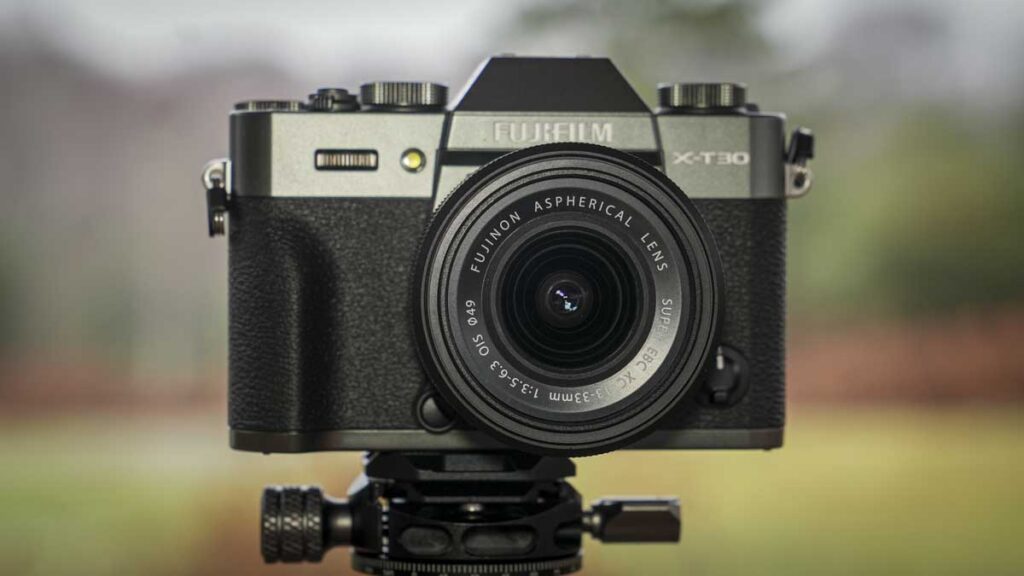
Fujifilm’s X-T1, X-T2 and X-T3 use traditional dials rather than a conventional exposure mode dial. This gives you direct control over shutter speed, aperture, ISO and exposure compensation, but the system may initially seem unfamiliar if you have previously used cameras with PASM controls.
Despite the different layout, all three cameras can shoot in Program, Aperture Priority, Shutter Priority and Manual exposure modes. You simply select which settings the camera controls automatically by turning the relevant dial or lens ring to A.
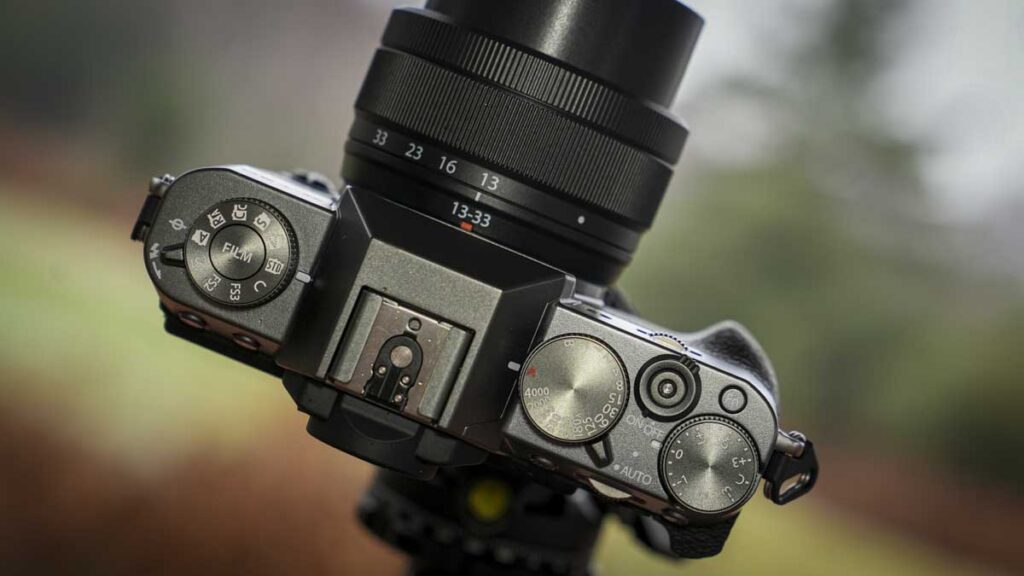
How do the Fujifilm X-T-series exposure controls work?
The Fujifilm X-T1, X-T2 and X-T3 have separate controls for shutter speed, aperture and ISO. Setting an individual control to A hands responsibility for that setting to the camera. Selecting a specific value gives you manual control over it.
There are three main dials on the camera’s top plate. From left to right as you hold the camera, these control:
- ISO sensitivity
- Shutter speed
- Exposure compensation
Both the ISO and shutter speed dials have an A, or automatic, setting. When either dial is set to A, the camera selects that value automatically according to the available light and the other exposure settings.
Aperture is normally controlled using a ring on the lens. Some Fujifilm lenses have aperture values marked directly on the ring, while others use an unmarked control ring.
Lenses without marked aperture values usually have a switch that lets you choose between automatic and manual aperture control. When manual control is selected, the aperture value appears in the camera’s viewfinder and on its rear screen.
Moving the lens aperture control to A allows the camera to select the aperture automatically.
Related: Fujifilm X-T3 review
Related: Fujifilm X-T3 price, specifications and release date
Fujifilm X-T-series exposure modes at a glance
The exposure mode is determined by whether the shutter speed and aperture controls are set to automatic or to specific values.
| Exposure mode | Shutter speed dial | Aperture control |
|---|---|---|
| Program | A | A |
| Aperture Priority | A | Select an aperture |
| Shutter Priority | Select a shutter speed | A |
| Manual | Select a shutter speed | Select an aperture |
The ISO dial can be set to a specific value or left on A in any of these exposure modes.
How do you set Program mode on a Fujifilm X-T1, X-T2 or X-T3?
To use Program mode, set both the shutter speed dial and the lens aperture control to A. The camera will then select the shutter speed and aperture automatically.
You can also set the ISO dial to A, giving the camera control over all three exposure settings. This is useful when you are starting out, working quickly or want to concentrate on timing and composition rather than camera settings.
How to set Program mode
- Turn the shutter speed dial to A.
- Set the lens aperture ring or aperture switch to A.
- Set the ISO dial to A, or select a specific ISO value.
- Compose the image and half-press the shutter button.
- Check the shutter speed and aperture selected by the camera in the viewfinder.
Program mode does not prevent you from influencing the final image. You can still adjust ISO, use exposure compensation and, depending on the camera configuration, shift the shutter speed and aperture combination selected by the camera.
How do you adjust brightness in Program mode?
Use the exposure compensation dial if the image appears too bright or too dark. Positive compensation makes the photograph brighter, while negative compensation makes it darker.
For example:
- +1 EV brightens the image by one stop.
- −1 EV darkens the image by one stop.
- 0 EV uses the camera’s recommended exposure.
Exposure compensation is particularly useful when photographing very bright or dark subjects. A snowy landscape may require positive compensation, while a dark subject against a black background may need negative compensation.
Related: Fujifilm X-T2 review
How do you set Aperture Priority mode on a Fujifilm X-T-series camera?
To use Aperture Priority mode, set the shutter speed dial to A and select an aperture using the lens aperture ring. You control the aperture and depth of field, while the camera selects a suitable shutter speed.
Aperture Priority is useful for portraits, landscapes, travel and general photography because it gives you direct control over how much of the image appears sharp.
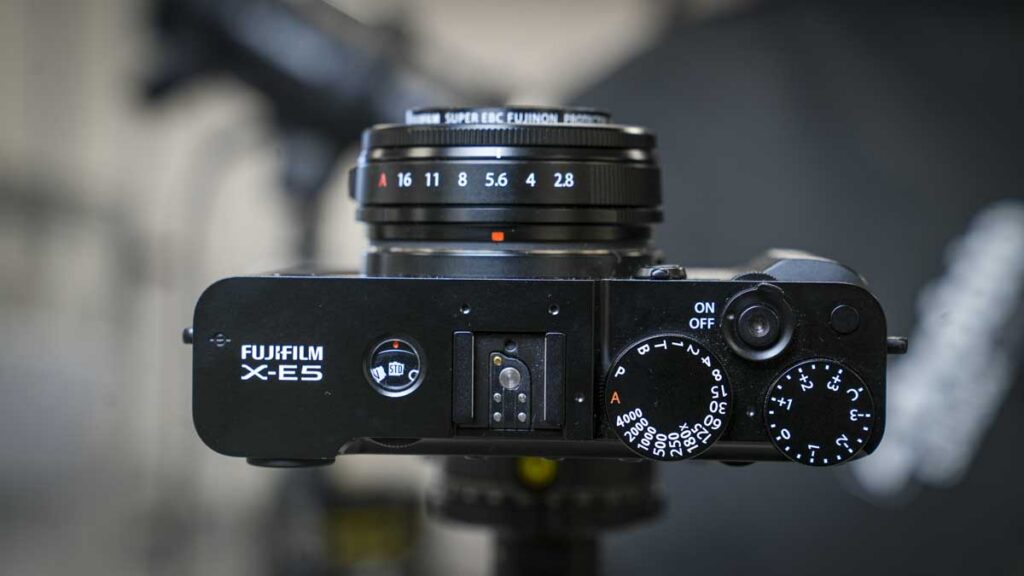
How to set Aperture Priority mode
- Turn the shutter speed dial to A.
- Move the lens aperture control away from A.
- Select the aperture you want to use.
- Set the ISO dial to A or choose a fixed ISO value.
- Half-press the shutter button and check the shutter speed selected by the camera.
A wide aperture, such as f/1.4 or f/2.8, produces a shallower depth of field and can help separate a subject from the background. A narrower aperture, such as f/8 or f/11, keeps more of the scene in focus.
An aperture of around f/8 is often a useful starting point for landscapes and general outdoor photography, although the best value depends on the subject, lens and required depth of field.
You can use the exposure compensation dial to make the image brighter or darker without leaving Aperture Priority mode.
Related: What is Aperture Priority mode and how does it work?
How do you set Shutter Priority mode on a Fujifilm X-T-series camera?
To use Shutter Priority mode, set the lens aperture control to A and select a shutter speed using the top-plate shutter speed dial. The camera then chooses the aperture automatically.
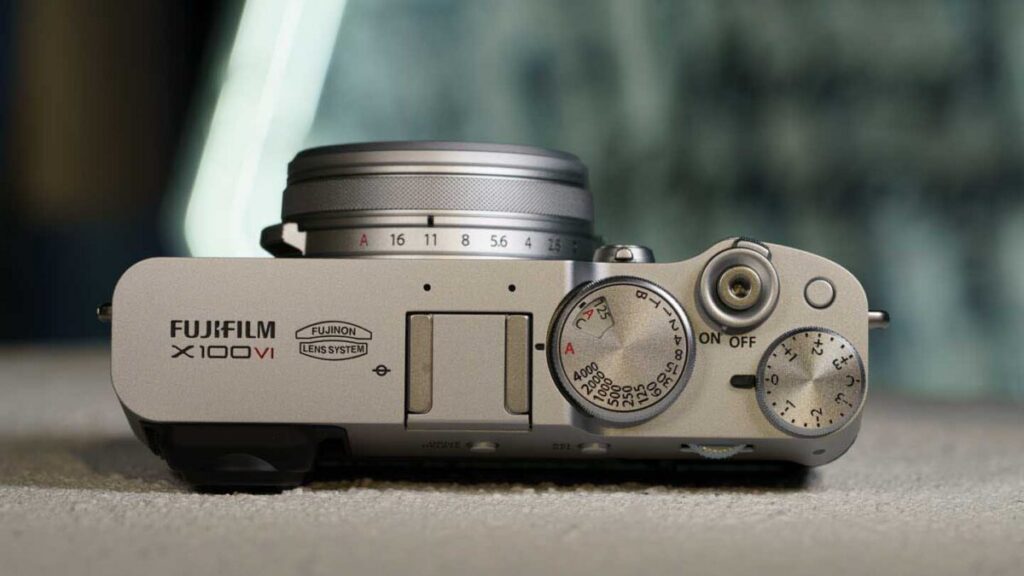
Shutter Priority is especially useful when photographing moving subjects because it lets you decide whether movement should appear sharp or deliberately blurred.
How to set Shutter Priority mode
- Set the lens aperture control to A.
- Turn the shutter speed dial to the value you want to use.
- Set the ISO dial to A or select a fixed ISO.
- Half-press the shutter button.
- Check the aperture selected by the camera in the viewfinder.
A fast shutter speed such as 1/500sec or 1/1000sec can freeze sport, wildlife or other moving subjects. A slower shutter speed, such as 1/15sec or 1/4sec, can blur movement and create a sense of speed.
When handholding the camera, watch for shutter speeds that are too slow to produce a sharp image. Image stabilisation can help with camera movement, but it cannot freeze a moving subject.
The ISO and exposure compensation dials work in the same way as they do in Program and Aperture Priority modes.
How do you set Manual exposure mode on a Fujifilm X-T1, X-T2 or X-T3?
To use Manual exposure mode, select specific values for both shutter speed and aperture. The camera will no longer change either setting automatically, giving you direct control over depth of field and how movement is recorded.
Manual mode is useful when the lighting is consistent or when you need a series of photographs to have exactly the same exposure.
How to set Manual exposure mode
- Move the shutter speed dial away from A and select a shutter speed.
- Move the lens aperture control away from A.
- Select an aperture using the lens ring.
- Choose a fixed ISO value for full manual control.
- Use the exposure scale in the viewfinder to assess the exposure.
- Adjust the shutter speed, aperture or ISO until you achieve the result you want.
The exposure scale shows whether the camera believes the image will be overexposed or underexposed. However, this is a guide rather than a rule. You may deliberately choose a brighter or darker exposure to suit the subject.
Related: Best APS-C cameras
Can you use Auto ISO in Manual exposure mode?
Yes. You can select the shutter speed and aperture manually while leaving the ISO dial set to A. The camera will then adjust the ISO to maintain what it considers to be the correct exposure.
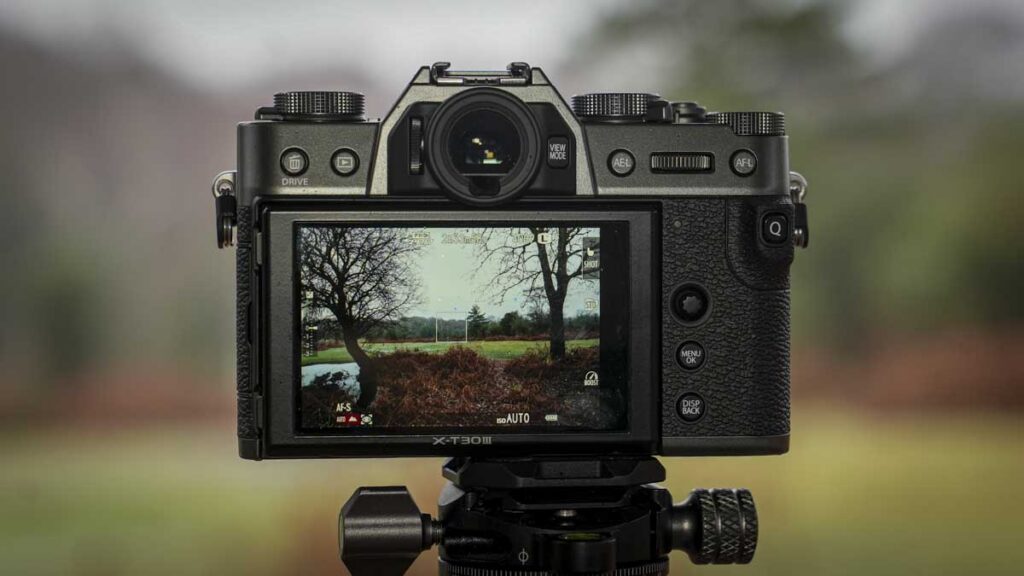
This is sometimes described as Manual exposure with Auto ISO. It is useful when you want to maintain a specific shutter speed and aperture but the light is changing.
For example, when photographing sport, you might choose 1/1000sec to freeze movement and f/4 for sufficient depth of field. Auto ISO can then respond as the subject moves between sunlight and shade.
Depending on the camera’s settings, you may also be able to use exposure compensation while shooting in Manual mode with Auto ISO.
Which Fujifilm exposure mode should you use?
Aperture Priority is the most versatile option for everyday photography because it provides direct control over depth of field while the camera manages shutter speed. Shutter Priority is better when controlling movement is the main concern.
Program mode is useful when you want the camera to handle most of the technical decisions. Manual mode offers the greatest consistency and control, particularly in stable lighting or when using studio flash.
A useful starting point is:
- Program: travel, snapshots and quickly changing situations
- Aperture Priority: portraits, landscapes and general photography
- Shutter Priority: sport, wildlife and moving subjects
- Manual: studio work, long exposures and consistent lighting
Is the Fujifilm control system easy to use?
Fujifilm’s traditional exposure controls can look intimidating, but the underlying system is straightforward. Any setting placed on A is controlled automatically, while any setting moved away from A is controlled by the photographer.
For photographers learning about exposure, this arrangement can be more intuitive than a conventional mode dial because the positions of the controls show exactly which parts of the exposure are automatic.
The availability of used X-T1 and X-T2 bodies can also make them appealing options for photographers who want to learn manual exposure without buying the newest camera. However, condition, shutter count, battery health and general wear should be checked carefully when buying second-hand.
Fujifilm X-T-series exposure FAQs
Do the Fujifilm X-T1, X-T2 and X-T3 have a mode dial?
No. Instead of a conventional PASM mode dial, these cameras use separate shutter speed, aperture and ISO controls. The exposure mode changes according to which controls are set to A.
How do I put a Fujifilm X-T camera in Aperture Priority mode?
Set the shutter speed dial to A and select an aperture using the lens aperture ring. The camera will then choose the shutter speed automatically.
How do I put a Fujifilm X-T camera in Shutter Priority mode?
Set the lens aperture control to A and select a shutter speed using the camera’s shutter speed dial. The camera will choose the aperture automatically.
How do I put a Fujifilm X-T camera in Manual mode?
Select a specific shutter speed and aperture instead of leaving either control on A. Choose a fixed ISO value as well if you want complete manual control over exposure.
Can I use Auto ISO in Manual mode?
Yes. Select the shutter speed and aperture manually, then set the ISO dial to A. The camera will adjust ISO automatically as the light changes.
What does A mean on a Fujifilm lens aperture ring?
The A position gives the camera automatic control over the aperture. Moving the ring away from A allows you to select the aperture manually.