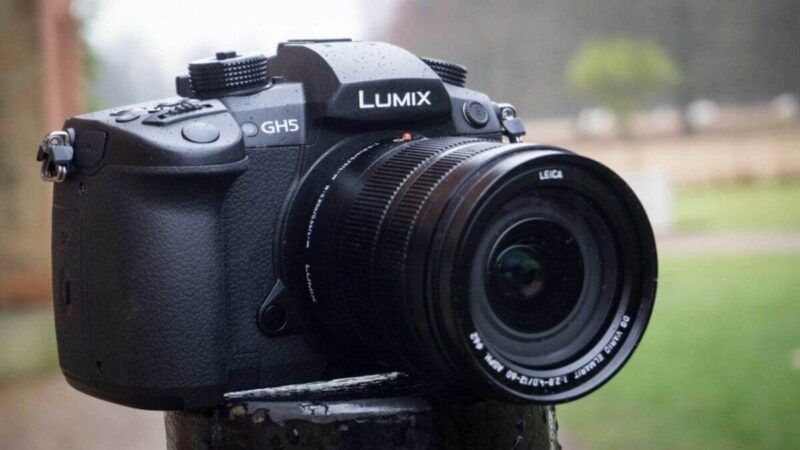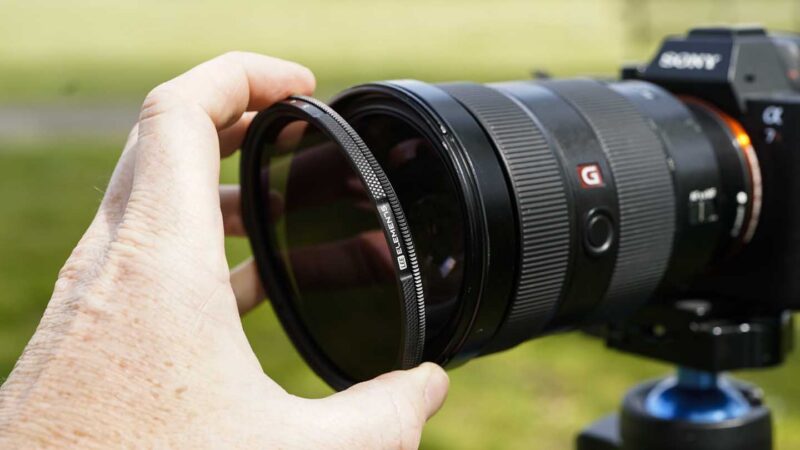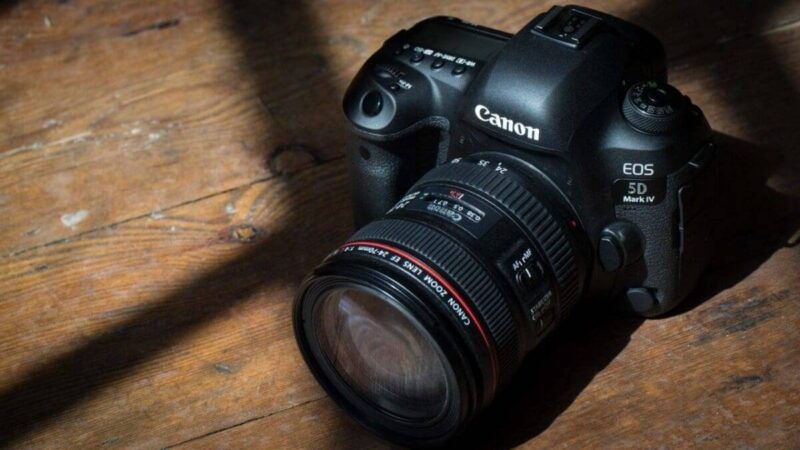
Live streaming was becoming increasingly popular before Covid-19, but the current pandemic has made this capability a necessity for people across many different industries. In this guide we will round up our picks for the best cameras for live streaming.
Before we begin, a caveat: we won’t be covering webcams in this post. There are plenty of great, cheap, plug-and-play webcams out there, but if you are vlogging or even just leading a call with clients, you really want to look your best.
Even high-spec MacBooks and PCs will have built-in webcams that produce burnt highlights and over-the-top colours. Using your ‘proper’ camera as a webcam for live streaming gives you not only better exposures but more control over depth of field, focal length and more.
Please note, though, that we are not covering professional cinema cameras and camcorders in this post. Canon’s EOS C cinema cameras and XF professional camcorders, for instance, can stream beautiful footage, but their budgets are likely beyond what the average vlogger is looking to spend or even get to grips with!
And that’s who we are targeting in this guide to the best cameras for live streaming: vloggers who are seeking to improve the quality of their video footage without breaking the bank. Some of you out there may own these cameras already, and some of you may be looking to make your next purchase based on which cameras can live stream.
We hope to help you find the answer.
Can I use my camera as a webcam?
On it’s own, no, you can’t use your camera as a webcam. This is because digital cameras have digital to analogue converters built inside them that translate the 0s and 1s into the images you see on screen.
A webcam relies on a digital signal, so simply connecting your camera to your computer via USB won’t convert it to a webcam. However, in this post-Covid age of team calls many manufacturers are releasing firmware updates for their recent cameras that allows them to be used as webcams.
To date, Canon, Panasonic, Fujifilm and Olympus have all released beta webcam software for select cameras.
Alternatively, if your camera has an HDMI out or USB port you can use it as a webcam for live streaming. All you need is a USB or HDMI cable, software that allows for plug-and-play streaming and compatible video conferencing software. Or you can connect it via a capture card.
Which cameras can live stream?
Our picks for the best cameras for livestreaming are based on our experience testing them. For a deeper dive into the many different camera types and features available, check out our range of camera buying guides.