
A lightweight Ronin upgrade with touchscreen tracking, quick vertical switching, and all-day built-in battery capacity.
What is the DJI RS 5
It’s been a long time since January 2018, when the Ronin-S launched, and since then, single-handed gimbal stabilisers have come a long way. Whilst each new iteration of the Ronin has brought new features and increased usability, at its heart, there has been very little change or evolution. To be honest, I only retired my Ronin-S in August last year as the RS 3 Pro had eventually worn in.
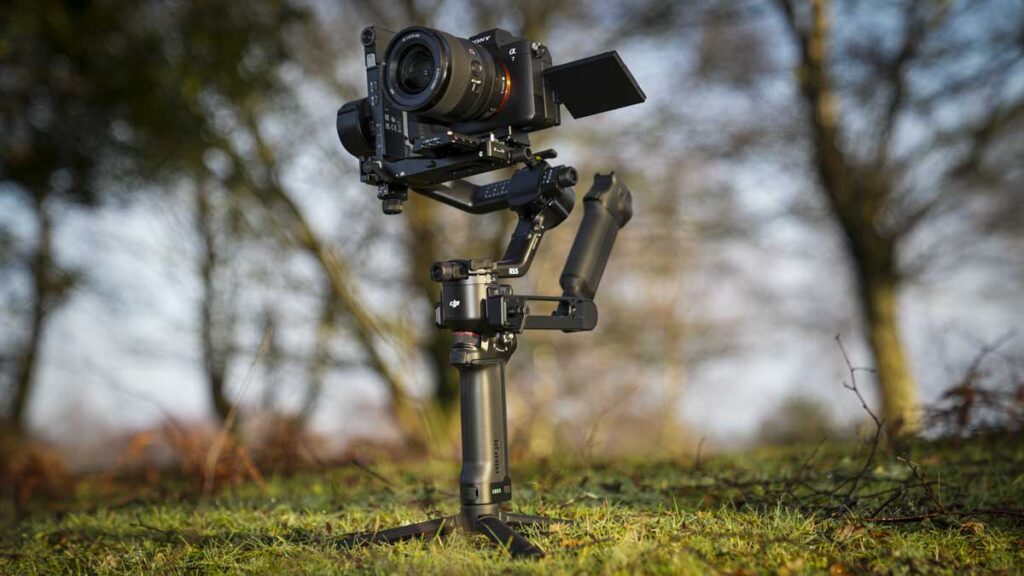
The RS 5 is, of course, the latest iteration. Whilst initially, on the surface at least, it looks similar to the RS4/RS4 Pro, there are actually some useful new features that will definitely appeal to long-term users of DJI gimbals, as well as those who have in the past rejected them because of issues that can arise when balancing. It can be seen as more of an art than a step-by-step process.
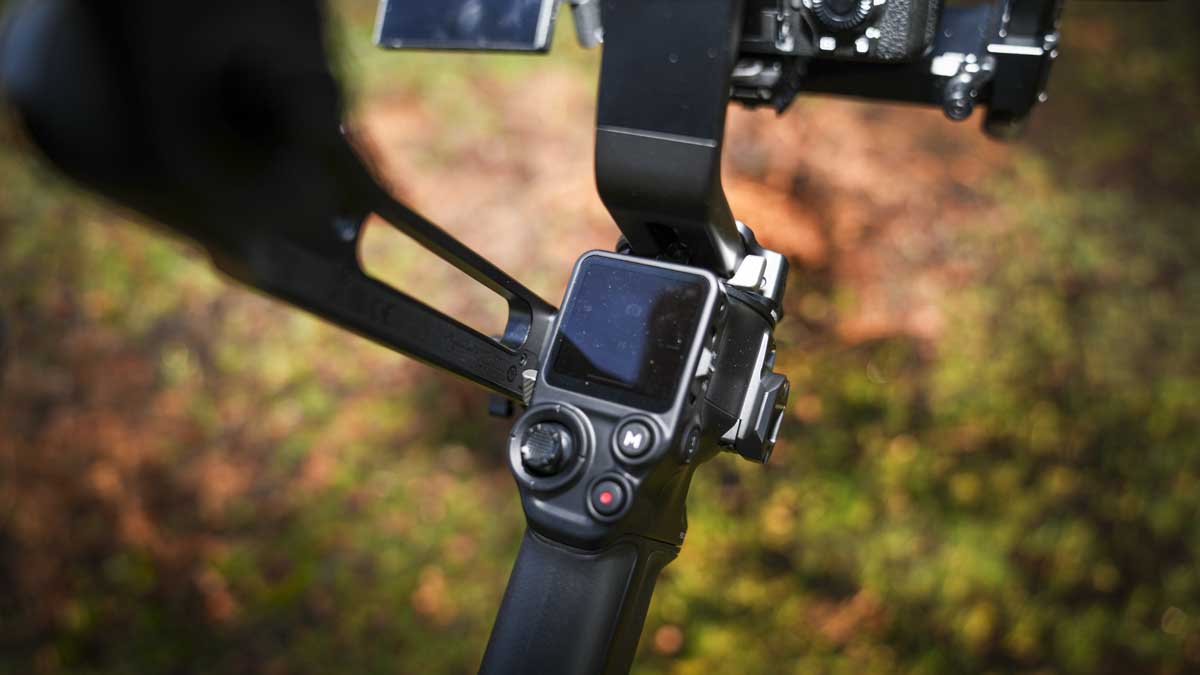
The RS 5, like previous iterations, can also be incorporated into larger rigs, so if you are mounting this to a crane or other filming rig, there are modules and extras that will enable you to do that. It’s obviously part of the DJI ecosystem, so it will work with their video transmission gear and focus motors, as well as have tight integration with many camera systems.
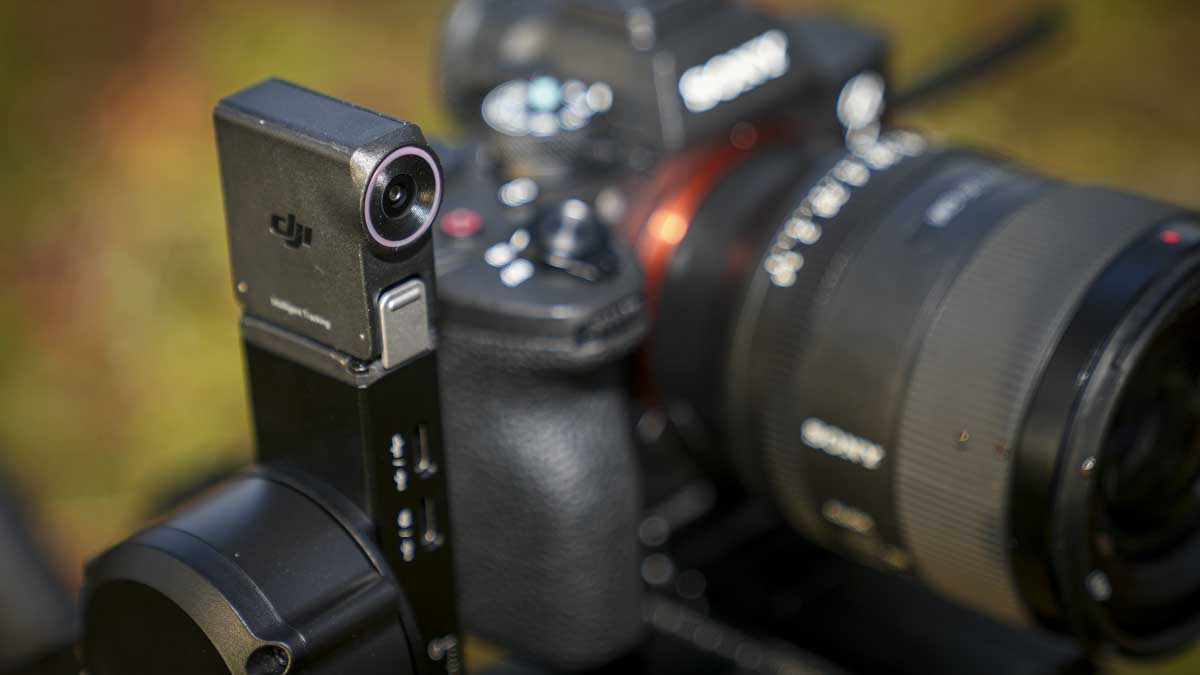
This model brings with it a few new features, foremost of which is the enhanced intelligent tracking module. This module has a magnetic clip that attaches to the vertical axis. Once in place, a live view of the scene is captured by the camera and displayed on the touch screen. Here, you’re able to select a subject to follow with your finger, and the gimbal handles the rest, no more trying to track someone with the small joystick. What’s more, the RS 5 features higher torque motors that make it far more forgiving to sudden movements than previous versions.
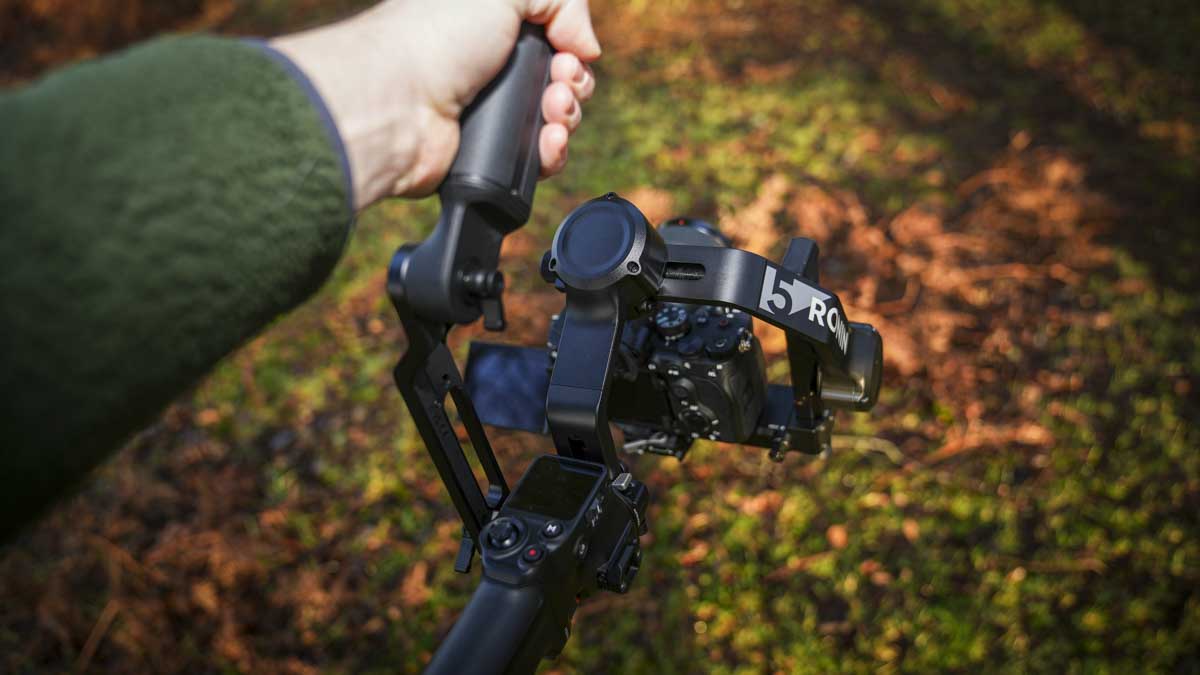
Specification
- Tested payload: 3.0 kg (6.6 lbs)
- Gimbal weight (incl. gimbal, battery grip, quick-release plate):: 1.46 kg (3.21 lbs)
- Max controlled rotation speed:: Pan 360°/s, Tilt 360°/s, Roll 360°/s
- Max standby time: approx.: approx. 14 hours
DJI RS 5 Build and Handling
I have, over the past eight years, tested every iteration of the Ronin, and most of those reviews can be seen here on CameraJabber. I don’t think there’s one that has slipped through the net. I’ve put a link to most of them below so that they can check them out. Aside from the early Ronin-S and the two Minis, most of the iterations of the RS have launched an RS or RS Pro model, the Pro featuring a carbon fibre arm rather than metal and features on the RS 3 Pro that I use on a regular basis.
While the Pro also has a few other features, historically, I’ve never actually been as keen on the carbon fibre material, mainly because it takes quite considerable amounts of use before it eases up, and makes micro adjustments easy – my RS 3 Pro has been bedded in for a few years and I love it, but checking the original review I noted the comments on the axis movement sticking slightly, obviously now a thing of the past.
Going back to the out-of-the-box experience and through the setup, you follow the usual process of unlocking and locking the axis to balance, starting with screwing the micro tripod into the battery grip base. Even here with the micro tripod, DJI has fine-tuned the design. The mini tripod normally requires you to fold out each leg individually. It’s not a huge hassle, but it can be a little bit annoying when you’re trying to put the camera down. Here, you just pull out one leg, and the other two legs follow suit.
Into the battery grip once again goes the main gimbal body, and onto this, if you have the combo kit, you can add the briefcase arm, which has a connector that enables you to use the joystick, trigger, and a few other options on that secondary grip rather than directly on the battery grip itself.
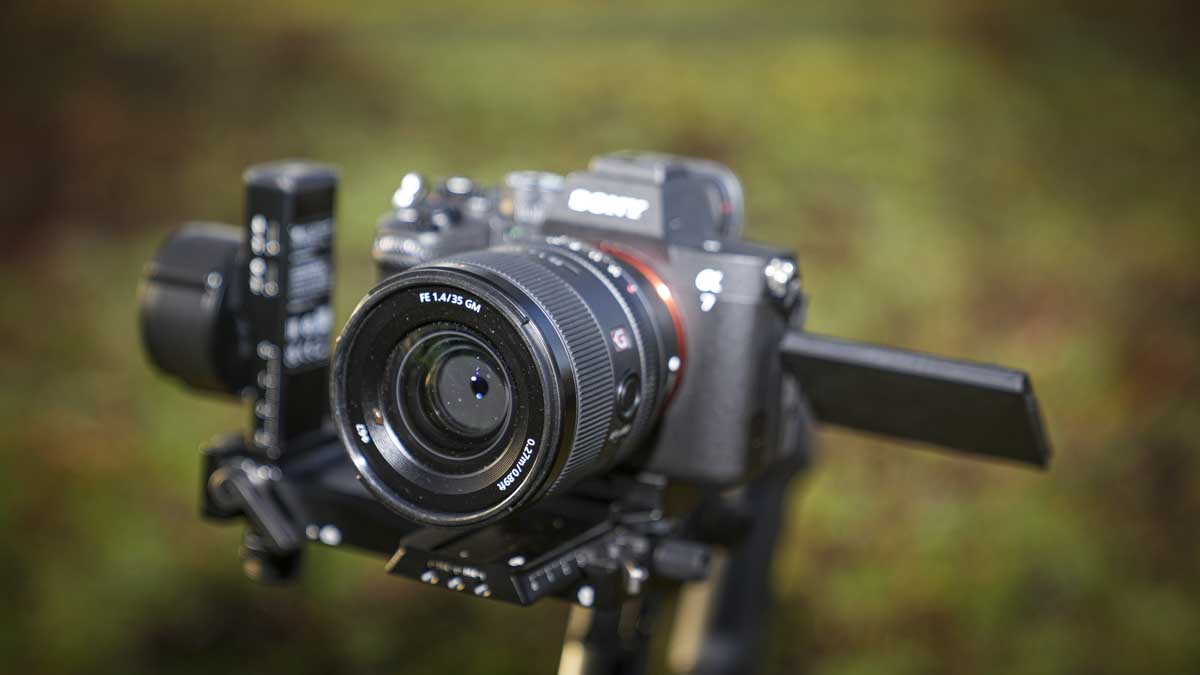
Once fully assembled, it weighs in at 1.46 kg, and that’s with the grip plates all set and ready. If you want to, then add the briefcase handle, which adds a little bit more, and obviously, whatever the weight of your camera as well adds an extra level of weight.
In this test, with the Sony A7 Mark IV with 24–70mm f/2.8, and having attached the briefcase handle, the whole thing came in at 3.42 kg, so not too substantial a weight, but still enough to make your arms ache after 30 minutes of use.
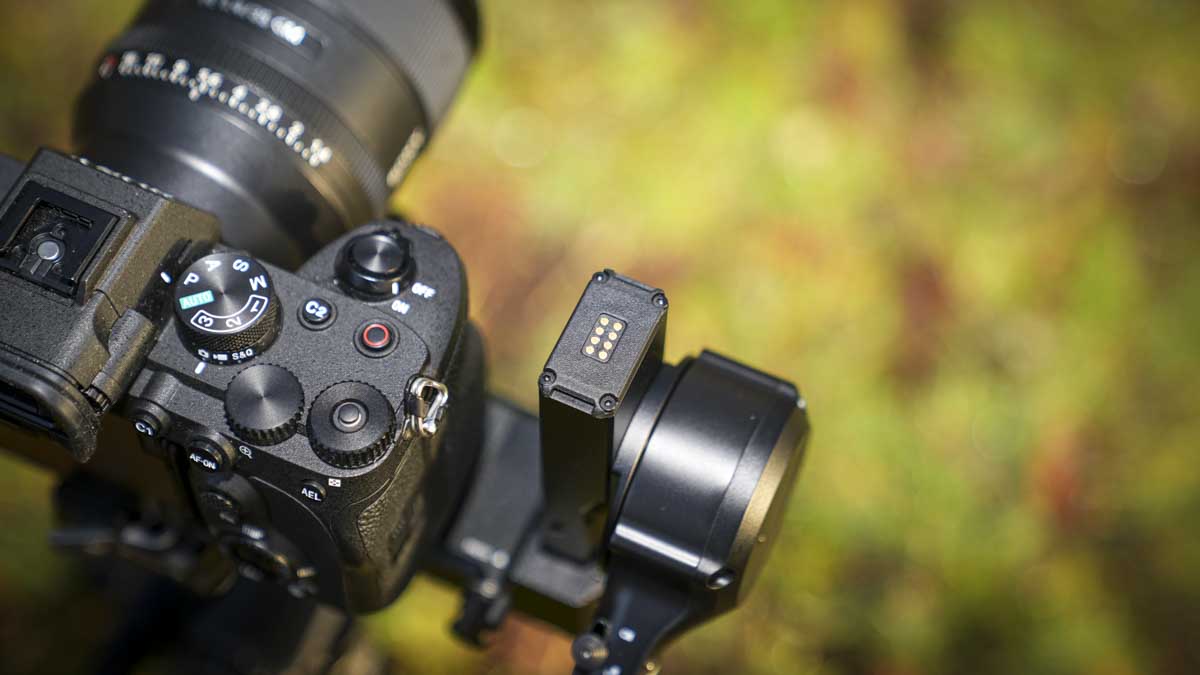
However, what I did note when changing between two lenses of differing weight, and, for that matter, length, was that the RS 5 was far more capable at the rebalancing due to the torque of the motors. A quick tap of the recalibration once a new lens was mounted before starting to use the gimbal generally did the job without a full rebalance.
DJI RS 5 Features
Checking through the features, and there’s a lot going on. Primarily, one of the big differences I noted was the touchscreen-based tracking, which just makes using the DJI RS 5 that much easier than previous RS models. For example, if you have someone in front of you and you want to track them, all you need to do with the tracking module attached is select them on the screen. Then essentially, the gimbal handles the rest for you. It couldn’t be easier. Likewise, what it can track is quite spectacular. It’ll recognise pets, vehicles, and I noticed even a book or two, which is impressive.
One of the other points here is that the battery and fast charging have been vastly improved. The new fast-charging ability reduces the full charge time by up to 60%, so whereas the RS 4 took 2½ hours for a full charge, the RS 5 takes just over an hour.
One of the other features that really stood out to me was the virtual fourth axis, which is available on the gimbal screen. This indicates the up–down jitter of the Z-axis. Whilst this doesn’t correct it automatically, what it does do is give you a visual guide, so if you are a little prone to bobbing when you’re walking, then you can keep an eye on it here and adjust your walk to compensate.
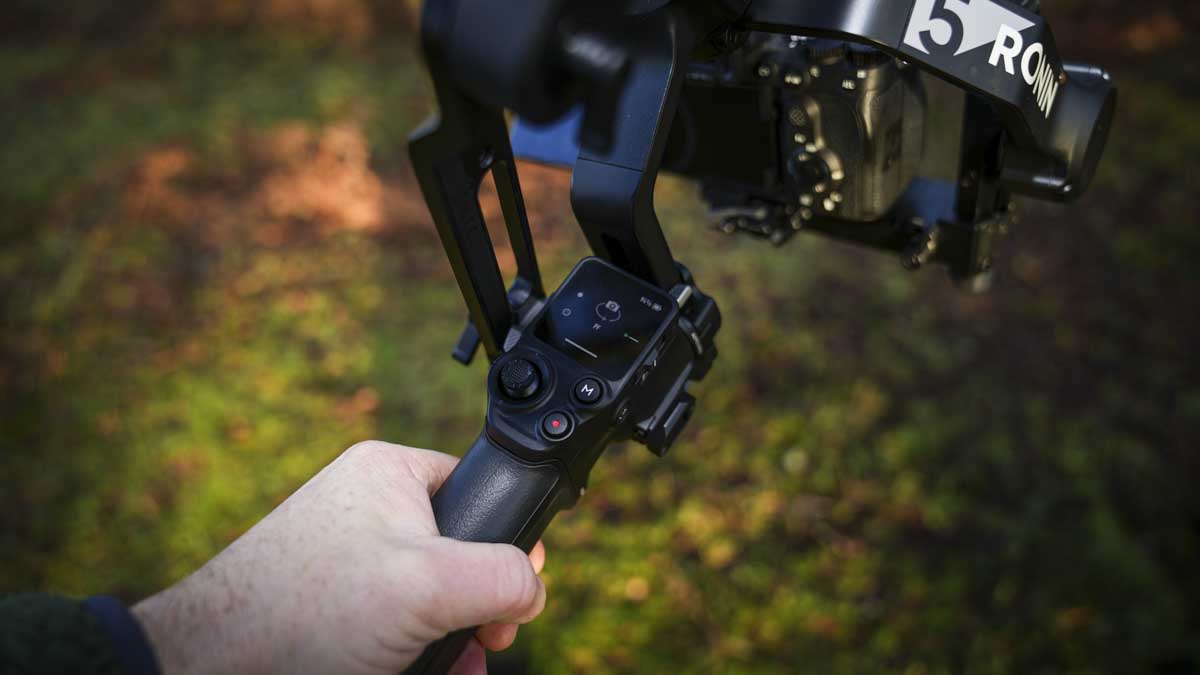
For our review, I’ve taken a look at the combo version of the RS 5, and in the semi-hard case, along with the gimbal itself, comes an electronic briefcase handle. On this, you have full control of the function with the joystick, trigger, record button and camera parameter adjustment. It’s all really neatly laid out and does make it easy to control the gimbal when you’re actually moving about.
The torque of the motor has also been increased, so although the payload limit is 3 kg, you can really notice that. Where, sometimes with previous models, you’d get a little bit of whip if you’re moving the gimbal too fast, now the gimbal can, for the most part, handle it due to the boost in strength and is better able to handle those faster movements.
At present, I am using a beta app, so it’s not fully developed. However, I was able to test out the SDR transmission alongside the gimbal, and again, this worked absolutely superbly. If you are looking to use this in a professional setup or you’re just making movies, then this is just a brilliant addition. When partnered with the RS 5, you have an extremely powerful and relatively inexpensive filming rig.
DJI RS 5 Performance
I’ve been a massive fan of single-handed gimbal stabilisers since I first came across the Ronin-S back in 2018. After seeing just how easy it was to use and the difference it made to my productions, I instantly went out and bought one. Since then, I’ve gone through a good range trying to find the perfect option, and for the last couple of years, the RS 3 Pro has been my go-to choice and has been exceptionally reliable.
However, there are several things on the RS3 Pro that bug me. Whilst it’s had plenty of use and looks like it, the carbon arm occassionally still irritates me, the adjustment of the balance will sometime be a little tight, for no reason and that might be if they’re not totally clean, it’s rain, cold or too hot, it’s never a major issue and is just something I’m used to. Here, however, with the full metal build of the RS 5, it’s just smooth on the adjustments from the outset and all through the test, even in the freezing cold.
The balancing process has been enhanced. Essentially, put the camera so the lens points upwards, balance; lay the camera horizontally, balance; then unlock the roll, balance; and finally angle the whole system at 45° forward and do the final horizontal axis before powering on and tapping the auto-calibration.
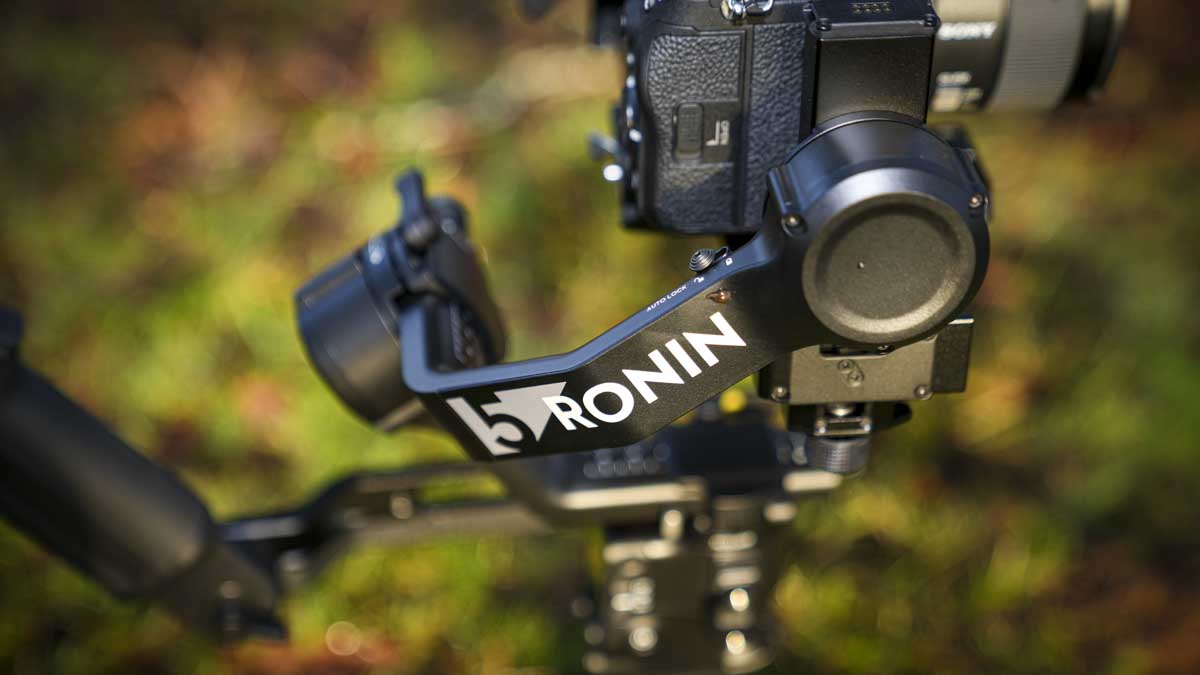
The torque with the RS5 is a step up from the RS 4 and even more so from the RS 3 Pro that I’m used to, so it’s able to compensate a lot better. What I actually ended up doing was balancing it for one of the middle-weight and length lenses, and then there was just enough latitude either way to quickly mount a smaller or larger lens, tap auto calibration, and for the most part, the gimbal was able to compensate, something which is really handy.
One of my colleagues always worries about the gimbal battery life, which is why we always have two or three in backup. To be honest, the battery life of all the gimbals has always been more than good enough for a full day’s use, and I tend to put them on charge whilst having lunch. Sure enough, here with the RS 5, it lasted for a good two hours of solid use when we used the gimbal for handheld shots. Then, as per usual, it, along with other kits, was plugged into a Bluetti power station for a top-up charge, not that it needed it, and when I came back to check, the RS 5 was once again fully charged, ready to go again.
So for my colleague, any worries about battery life were quickly dispelled. Through a simple one-day shoot, it showed that it’s more than capable of holding up.
Throughout that shoot, I had a Sony A7 IV with the 24–70mm f/2.8 mounted, as mentioned before, but we also swapped between this lighter-weight mirrorless and a Canon EOS R5C with Sirui anamorphic lenses. Even with the substantial additional weight of the R5 C camera/lens combo, along with a monitor, the Ronin was capable of holding and controlling that weight.
As part of the review, there’s plenty of information about the compatibility with existing DJI accessories, so I was keen to utilise this to see if it really worked as well as has been highlighted.
Connecting the SDR video transmission with the RS 5 after a quick firmware update, everything connected smoothly, enabling me to mount the monitor off the gimbal head, lightening the overall load on the gimbal mechanism.
As the accessories are attached, it becomes more obvious what a complete solution this all starts to be, especially if you’re working in a small production team, where you can have several receivers, so multiple people can view what you’re filming, which is handy for production.
One point here is that I did try to get the old LiDAR sensor to work with the manual focus lenses. Whilst, when set up, I could use the focus motor, which I’d calibrated with the manual focus Sirui anamorphic,and the intelligent tracking camera was working smoothly, I couldn’t get the LiDar working. My thought is that it would have been good if the small tracking camera had a LiDar as well, so more of an all-in-one intelligent unit.
But what really stood out to me, and I was surprised by this, was the little level gauge on the small screen. This essentially just highlights when you’re bobbing up and down and helps you correct your walk so you get far smoother walking, cutting out the bob. It’s a small visual guide rather than any huge technological addition, but it does make a real difference.
Once again, the Ronin single-handed gimbal stabiliser doesn’t fail to impress. Whilst it might not look as flashy as previous iterations, Pro versions with the carbon fibre finish, it’s certainly the most functional all-round.
DJI RS 5 Final Thoughts
The DJI RS 5 has come a long way since the launch of the Ronin-S back in 2018. Whilst we’ve had incremental enhancements with each iteration, for me, the biggest improvement was when the Ronin 4 Mini arrived last year. The addition of the intelligent tracking module made a huge difference when you’re using it with smaller mirrorless cameras, it’s just exceptionally good and quick at keeping up with the subject.
Now, to have that same feature on the RS 5 model means that this is a far greater filmmaking accessory than any previous iteration, and for me, it marks the biggest improvement to the technology since the original Ronin-S launched all that time ago.
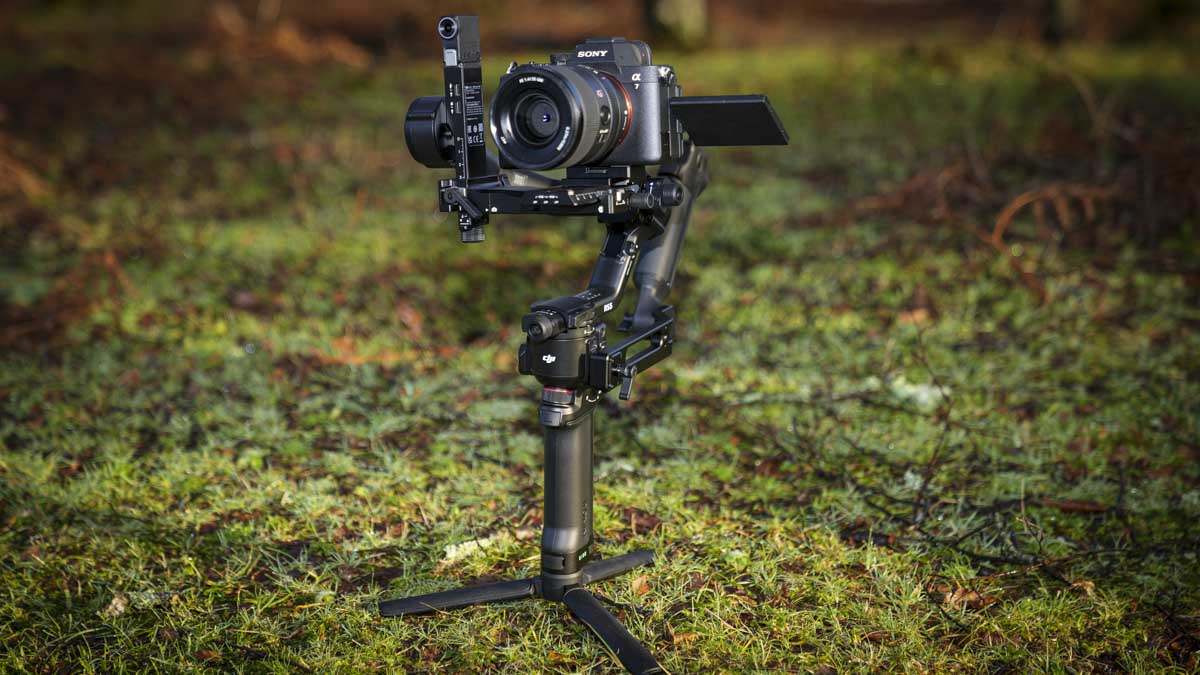
Alongside the gimbal, you’ve also got the huge DJI ecosystem, and with this superb SDR video transmission kit and the briefcase handle that comes in the combo kit, there’s very little here not to like.
One of the only flaws is that it’s still relatively heavy. So if you are looking to do a full-day shoot, you’re going to have to do a good workout in order to carry one of these around for a substantial amount of time. But then, there are, of course, additions that will help you take some of that load off, such as an Easyrig.
With the DJI RS 5, if you run a small production company or you film with your mirrorless camera for professional-level productions, then the RS 5 is just a great option. However, if you’re more of an enthusiast or in education, then I’d probably stay with the superb RS 4 Mini, as it has much the same functionality, just on a smaller and lighter scale.