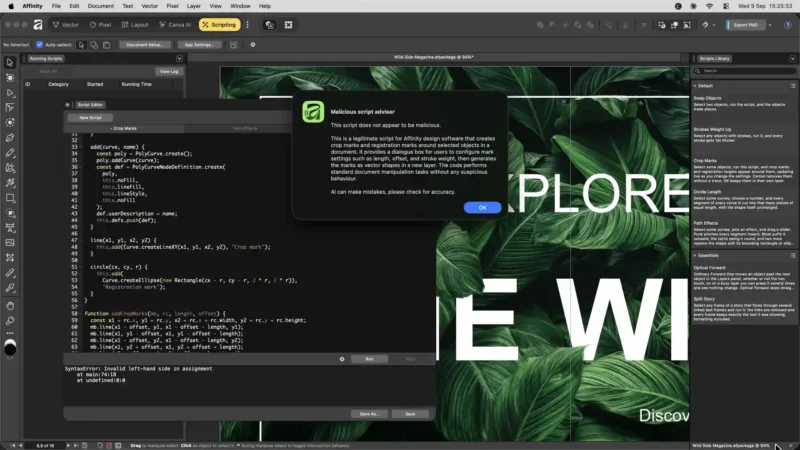

DxO has released PhotoLab 10.1, and its headline feature is a new link with Affinity by Canva. With one click, PhotoLab 10.1 exports a developed image as a native Affinity document in .af format, ready for retouching, compositing, typography or page layout.
The two companies describe this as the first step in a partnership that combines DxO’s RAW processing with Affinity’s retouching and design tools. The original unprocessed image can be included as a second layer in the Affinity file. That gives you a reference to compare against, mask or blend while you retouch, without having to go back to PhotoLab.
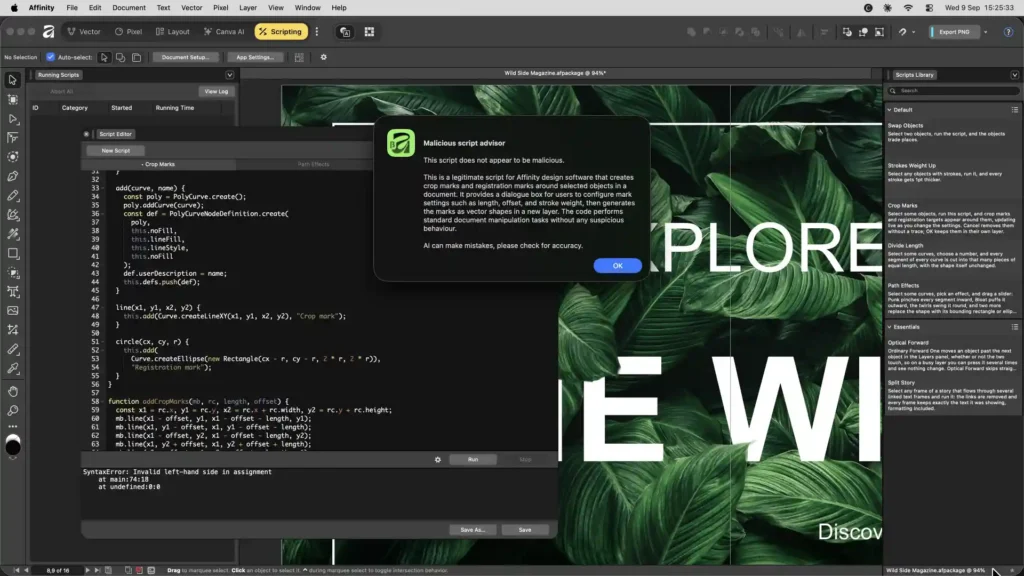
The timing is good. Affinity has just had a major update with deeper RAW development of its own, which we covered last week, and the Affinity app is now free on macOS and Windows with a Canva account. Pair it with PhotoLab and you have a full RAW-to-finished-page workflow that doesn’t need a subscription. That’s a direct challenge to the Lightroom and Photoshop combination many photographers pay for each month.
For anyone already using PhotoLab, the change should remove a step. Until now, sending an image to another editor meant exporting a TIFF and opening it separately. Exporting straight to a native .af document with the original as a layer is a neater way to work, and it keeps the RAW reference close at hand for detailed retouching.
DxO PhotoLab 10.1: what’s new
- One-click export from PhotoLab to a native Affinity (.af) document
- Option to include the original image as a second layer for reference
- Designed for retouching, compositing, typography and layout in Affinity
- Platforms: macOS and Windows
- Affinity: free on macOS and Windows with a Canva account
DxO PhotoLab 10.1 price and availability
PhotoLab 10.1 is available now as a free update for all PhotoLab 10 users. New users can download a 30-day trial from DxO’s website, and Affinity is available from Affinity’s site.