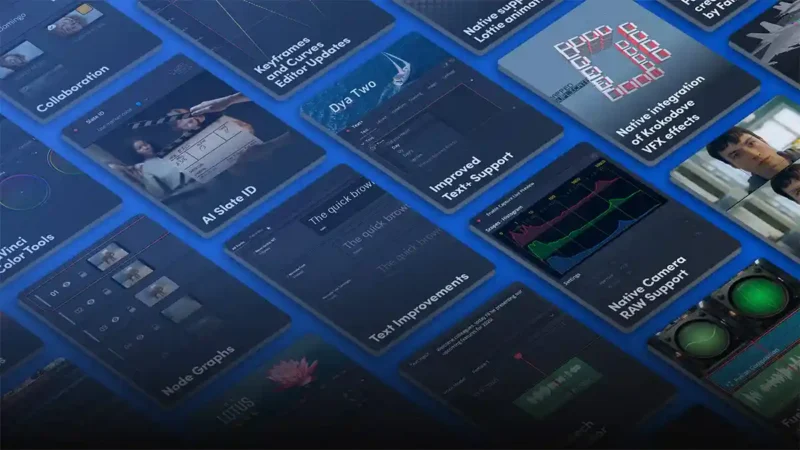

Canva has released a major update to Affinity, its free all-in-one creative app, with more than 60 new features and improvements. While headline additions such as a Blend Tool and in-app scripting are aimed at designers, there’s plenty here for photographers, with a big step forward in RAW development and several new AI-assisted corrections.
Photo editing updates
RAW processing has been deepened, with live RAW edits that can now be saved as presets for reuse across a shoot. Affinity has also added nine new colour, sharpening and detail adjustments.
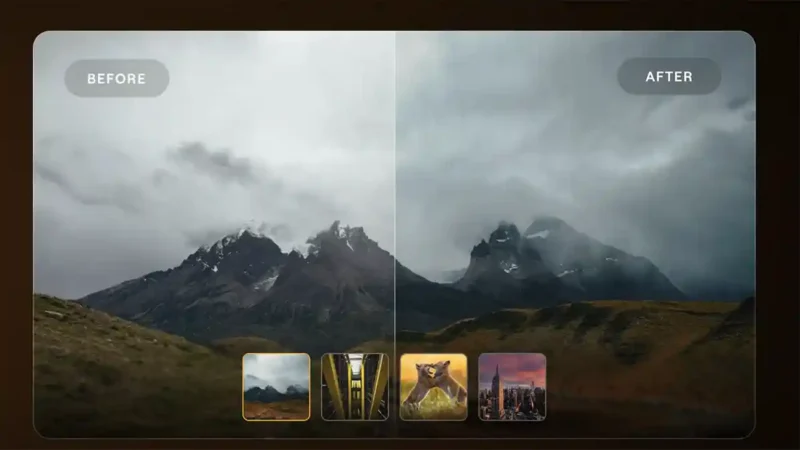
Among the new tools, Mixed Light Correction is designed to balance scenes lit by sources with different colour temperatures, such as daylight and tungsten, while Motion Blur Reduction aims to recover sharpness in images affected by camera shake or subject movement. Scene Decomposition and an SDR to HDR conversion tool round out the photo-focused additions.
Other new features
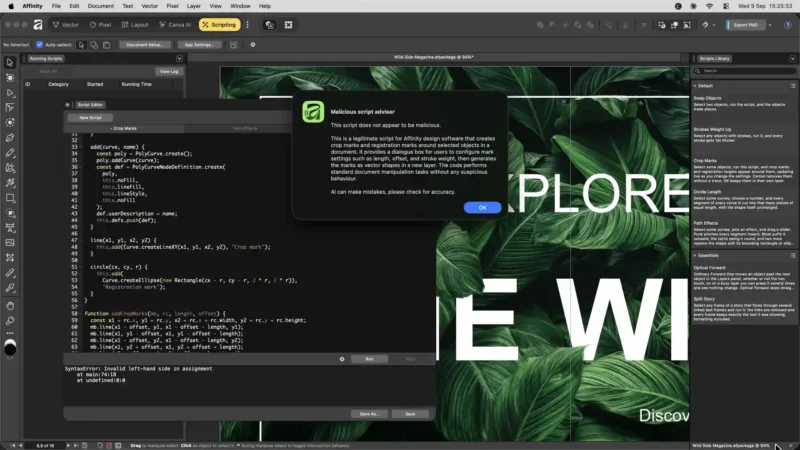
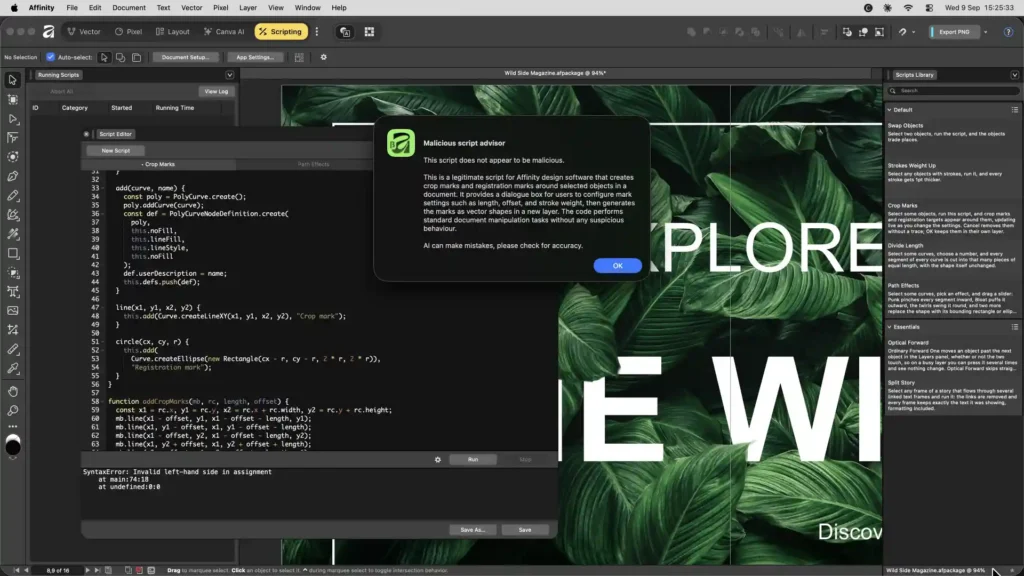
For wider creative work, the update adds a Blend Tool, live boolean operations, 3D model support, native InDesign INDD import, custom preflight rules and live syncing with Canva Brand Kits. There’s also in-app scripting with support for a Claude AI connector.
Our take
Since Canva made Affinity free, the big question for photographers has been whether it would keep investing in photo editing. This update suggests it will. Better RAW handling and reusable RAW presets address a long-standing weak spot, and tools like Mixed Light Correction target problems that event and interior photographers deal with every day. We’ll be putting the new RAW workflow to the test.
Affinity September 2026 update key photo features
Deeper RAW development: with live RAW edits
RAW preset: creation
Nine new colour, sharpening and detail: adjustments
Mixed Light: Correction
Motion Blur: Reduction
Scene: Decomposition
SDR to HDR: conversion
Affinity price and availability
The update is available now, and Affinity remains free to download. Most new features are free, while Canva AI Studio tools require a Canva premium plan. Full details are in the Affinity release notes.