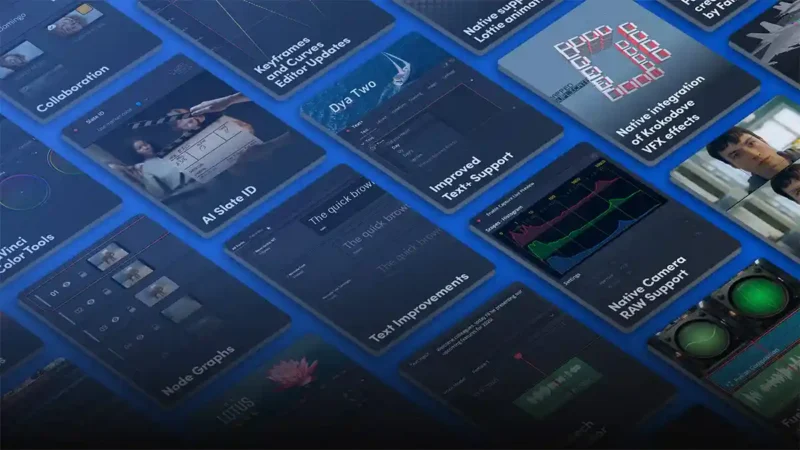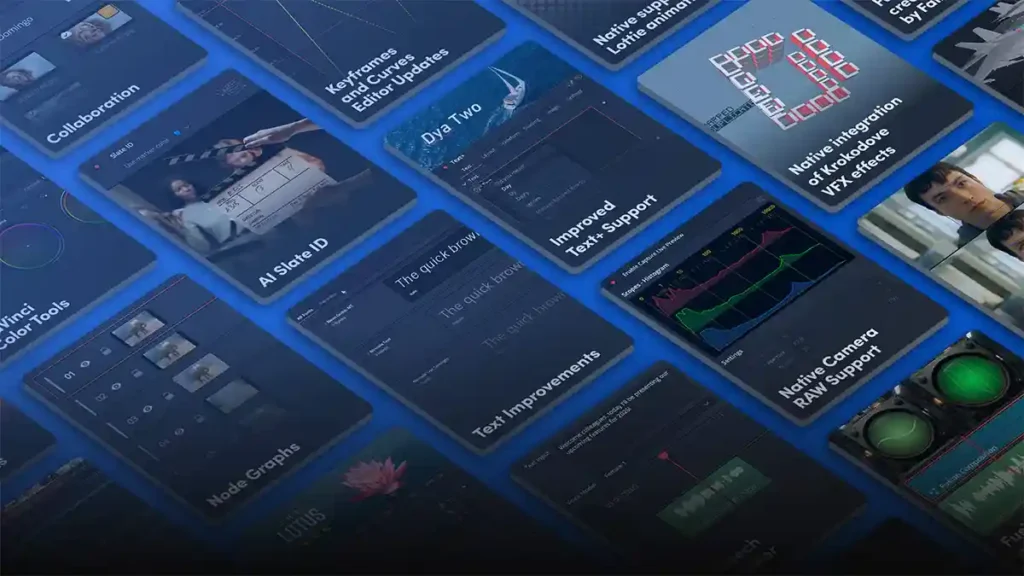

Blackmagic Design has released DaVinci Resolve 21.1.1, a maintenance update that follows last month’s 21.1 release. It’s a smaller update, but it includes some useful editing changes, a new camera format and a long list of fixes.
Most of the editing changes are in the trim editor. Viewer actions now apply to all selected edit points, so you can adjust several cuts at once, and mouse-based trim actions now play audio previews. That should make tightening dialogue or music edits quicker, because you can hear the change as you drag rather than having to play it back each time.
For photographers who shoot video, the update adds decoding for Canon CR3 RAW files from the EOS R8 Mark II. Windows 11 users also get support for USAC audio decoding.
Developers and anyone building automated workflows get new asynchronous APIs for quick export, transcription and scene cut detection, along with matching support for Smart Reframe and subtitle creation. Combined with Resolve’s AI transcription, this opens up the kind of automated rough-cut workflow we’ve been exploring with AI mini PCs.
Blackmagic has also fixed slowdowns with Magic Mask, connection problems in multi-user collaboration, transitions on clips using a foreground composite mode, and multicam issues in single viewer mode, and has reduced NVIDIA decode memory use. As with any point update, it’s worth finishing current projects before installing it.
DaVinci Resolve 21.1.1: what’s new
- Trim editor viewer actions now affect all selected edit points
- Mouse-based trim actions now include audio previews
- CR3 RAW decoding for Canon EOS R8 Mark II
- USAC audio decoding on Windows 11
- Async APIs for quick export, transcription and scene cut detection, plus Smart Reframe and subtitle creation
- Fixes for Magic Mask slowdowns, multi-user collaboration, foreground composite transitions and multicam in single viewer mode
- Reduced NVIDIA decode memory use
DaVinci Resolve 21.1.1 availability
DaVinci Resolve 21.1.1 and DaVinci Resolve Studio 21.1.1 are available now as free updates from the Blackmagic Design support centre.