
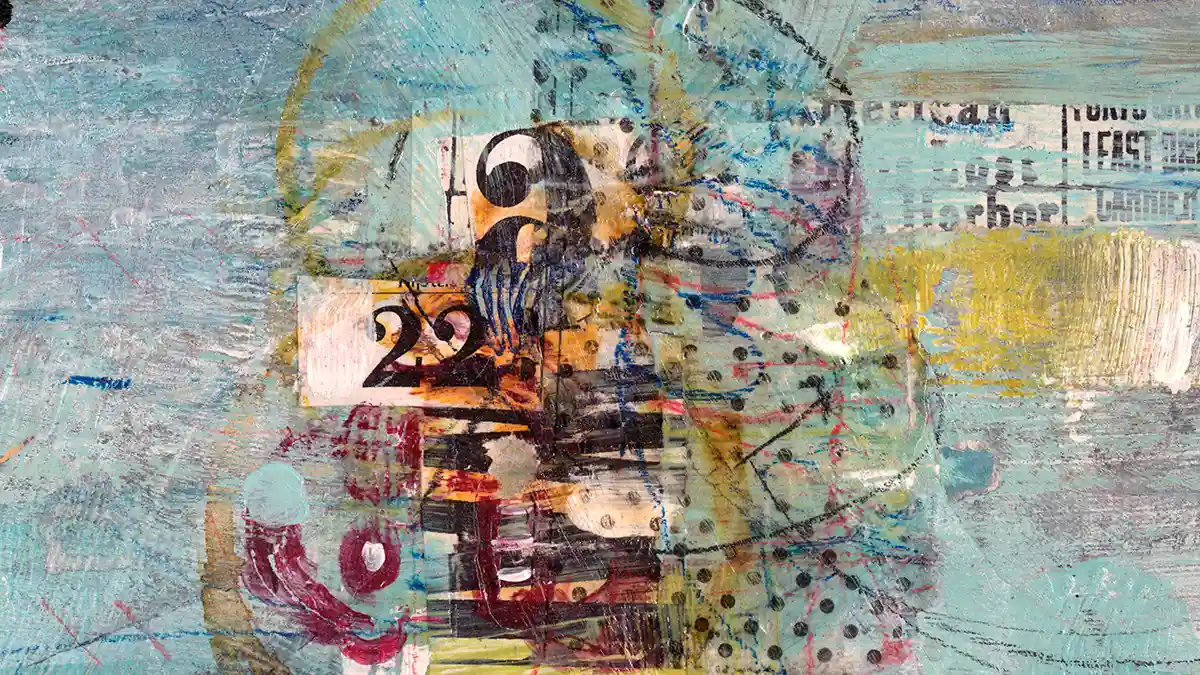
The practice of merging photography with secondary elements like murals, graffiti, collage, and digital overlays is a very interesting one, particularly in the way it continues to feel fresh and modern whilst ultimately being a practice that has been around for a very long time. After all, the concept of integrating photography with other visual elements is not necessarily new, but a substantial part of mixed-media photography’s appeal is its ability to feel new. With that in mind, what does mixed-media photography actually entail?
In essence, it simply means combining traditional photography with other art forms to transform the original image in a way that shows off the artist’s creative flair. This is achievable in many ways, but the general idea is that instead of relying solely on the camera for the final image, you then introduce other materials into the mix – these can be elements like fabric, card, acrylic paints, or digital elements in order to give your images more volume.
For example, you could print out a portrait of your subject and then scan the image once you have added some of these elements to it. You could cut out eyes and shapes from a newspaper or magazine, then glue these shapes over the original image. It is worth acknowledging that mixed-media photography is often used synonymously with the term ‘photomontage’, but both practices are interchangeable and are ultimately part of the same formula.
While the practice continues to feel innovative, it is often forgotten that mixed-media photography has a key historical presence, rooted in early-20th-century art movements. The technique was indeed referred to as photomontage at the time, and it was pioneered by Dada artists like Hannah Höch and Russian Constructivists such as Alexander Rodchenko. They used photography and mixed-media compositions to create politically-themed and often abstract imagery.
However, it wasn’t until the 1960s when photomontage started to commercially take the limelight. Artist like Andy Warhol and James Rosenquist produced eye-popping collages and altered murals that stood out from other work at the time. Ultimately, this all begs the question – what exactly is driving the resurgence of mixed-media photography, and given its established historical dominance, is it still worth exploring in 2025?
Merging Art & Photography: Why It Works in 2025
Art and photography have long shared a similar relationship, with both mediums characterised by a similar framework. And in an era where more and more visual creators are becoming increasingly reliant on generative AI and machine learning, today’s mixed-media resurgence reflects a desire for realism and a return to simpler times.
Additionally, this is also a time where more images than ever are competing for our attention, so creative mixed-media photography stands out as a unique composite of both traditional and modern art techniques. In this light, perhaps the resurgence is driven by creators pushing back against digital perfection.
The benefits of returning to a hands-on approach in mixed-media imagery may seem small but the end result is often something that cannot be replicated on a computer, and in this digital world there is very much a demand for visuals that feel rawer and less-polished. Of course, that does not mean that you cannot use digital programmes like Adobe Photoshop to alter your image, but the final image is often more effective when digital alteration is used sparingly.
Shooting for Collage: Framing Subjects & Backgrounds
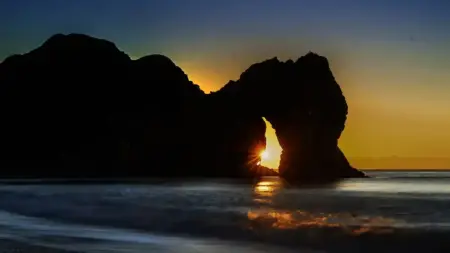
When shooting for a collage, ensure that you frame your subjects in a way that will leave you enough room in the image to add other elements, or to add digital textures. Consider photographing a wide variety of shots, both adhering to and breaking traditional composition rules like the rule of thirds as this will give you more freedom in the editing suite. You should also consider the background behind the subject, A brighter background could detract the focus from your subject, while a darker one will allow you to add colourful elements, either in post or in-hand through traditional mixed-media techniques like application of fabrics and acrylics.
It is also very important to consider what type of camera and accompanying lens you might use – a macro lens with a high megapixel count will allow you to get more detailed shots of the subject’s eyes and face which are visually interesting areas to experiment with when editing. For example, you could print out a macro shot of the subject’s eyes, and then either draw or add textures around it like paint brushstrokes over the eyelashes.
Post-Processing Tips: Layer, Blend, and Composite
As mentioned, there is no law in mixed-media photography that excludes the use of digital enhancements, and using Photoshop to enhance your image can be very effective. Currently, there are a plethora of editing options and digital texture overlays that you can add to your image. For example, you could add film grain and light leaks to give your image a warmth and sense of time and place. Experiment with different textures to see how they alter your photo, and play around with opacity and transparency levels to see what works best.
Ultimately, the bulk of the image transformation should be achieved physically. For example, you could use a black and white filter such as the monochrome overlay, and then print the image so that you can add new material to it. You could then stick fabric or colourful, saturated cut-outs from magazines to create visual contrast and juxtaposition.
Projects That Benefit from Mixed Media Techniques
There are many projects that benefit from creative mixed-media techniques, especially because it is a technique that allows for such creative freedom. Experimental photography projects are best suited. For example, consider the traditional style of street photography or nature photography, now consider cutting out and layering one on top of the other to create visual juxtaposition. Scan the images and edit them further in Photoshop and you will often be left with an image that looks radically different than the original piece.
Alternatively, if you don’t have access to Adobe editing platforms like Photoshop, you could consider editing your photograph on a Wacom tablet which will give you in-hand digital illustration opportunities. You could draw lines and shapes over the image with a pressure-sensitive stylus as this will provide a more natural and intuitive drawing experience when compared to a mouse, giving you more precision and creative control.
Leave a Reply
You must be logged in to post a comment.